QUICK ANSWER
Yes
Introduction
The MOT Juice Tribe Forum is a great place to chat with other like-minded industry professionals, but some times you might want to include an image or a video into your discussion/post, for example if you have found some serious corrosion on a car you were testing and want to share this with the rest of the Tribe.
Adding images and videos into your posts is a great way to build an engaging discussion and get better responses.
How to add images/video
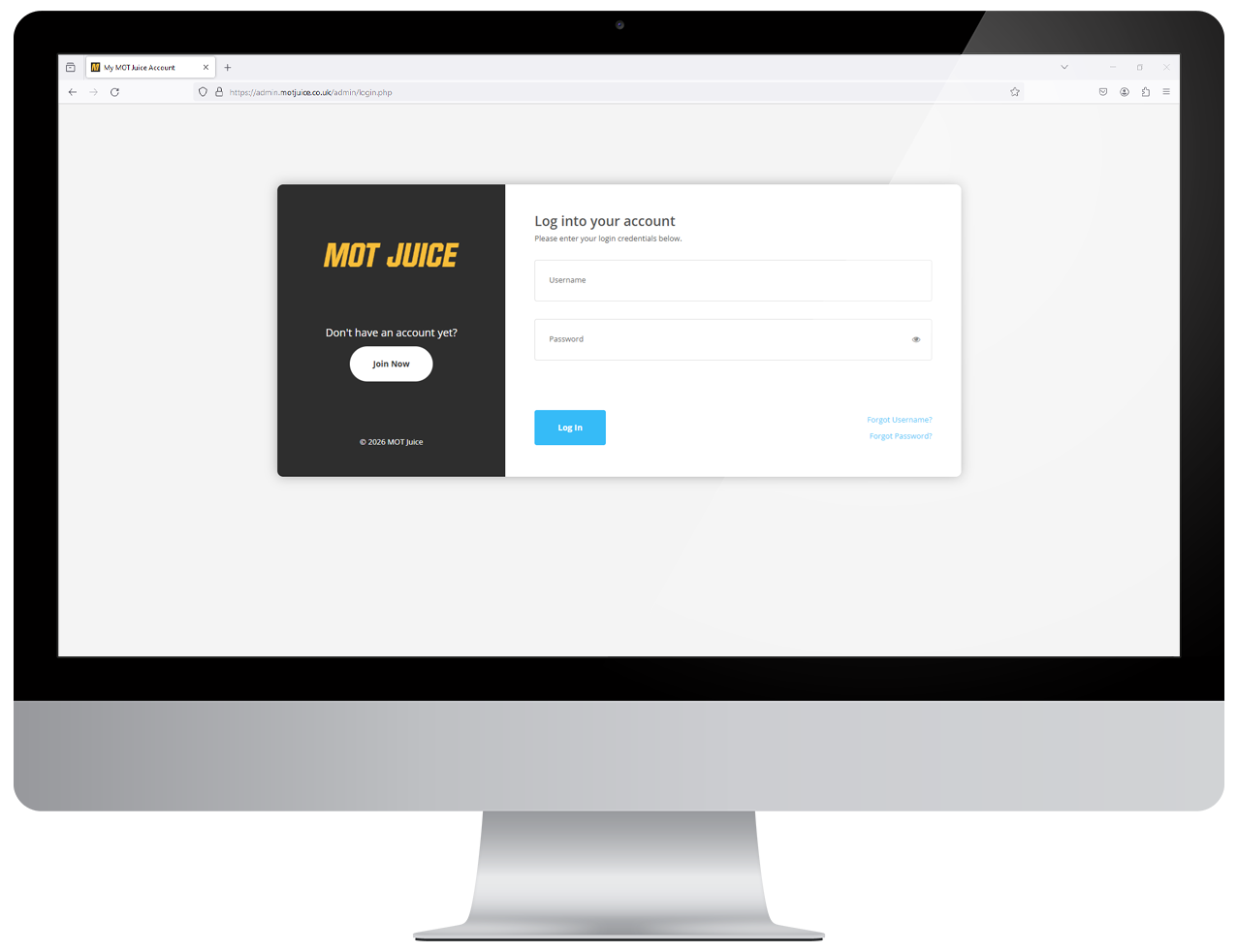
Step 1: Log into your MOT Juice accountNavigate to the MOT Juice login page here: https://admin.motjuice.co.uk/admin, and then enter your MOT Juice login details to access your account.
Step 2: Navigate to the Tribe Forum
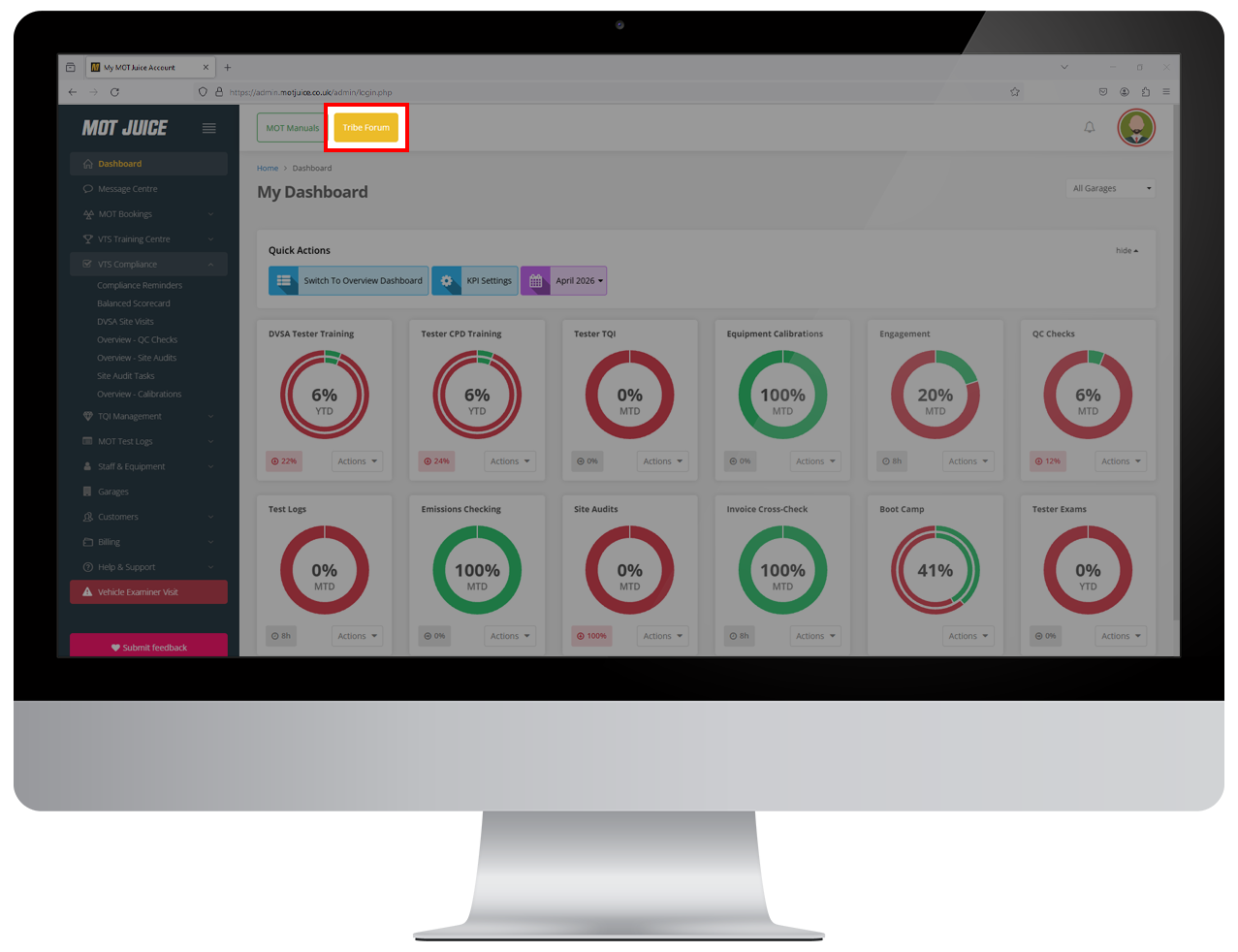
After logging into your MOT Juice account, at the top of the page is an orange button for 'Tribe Forum'. Click this to go to the forum.
Step 3: Create or join a discussion
Once you're in the Tribe forum, you can either start a new discussion, or join an existing one.
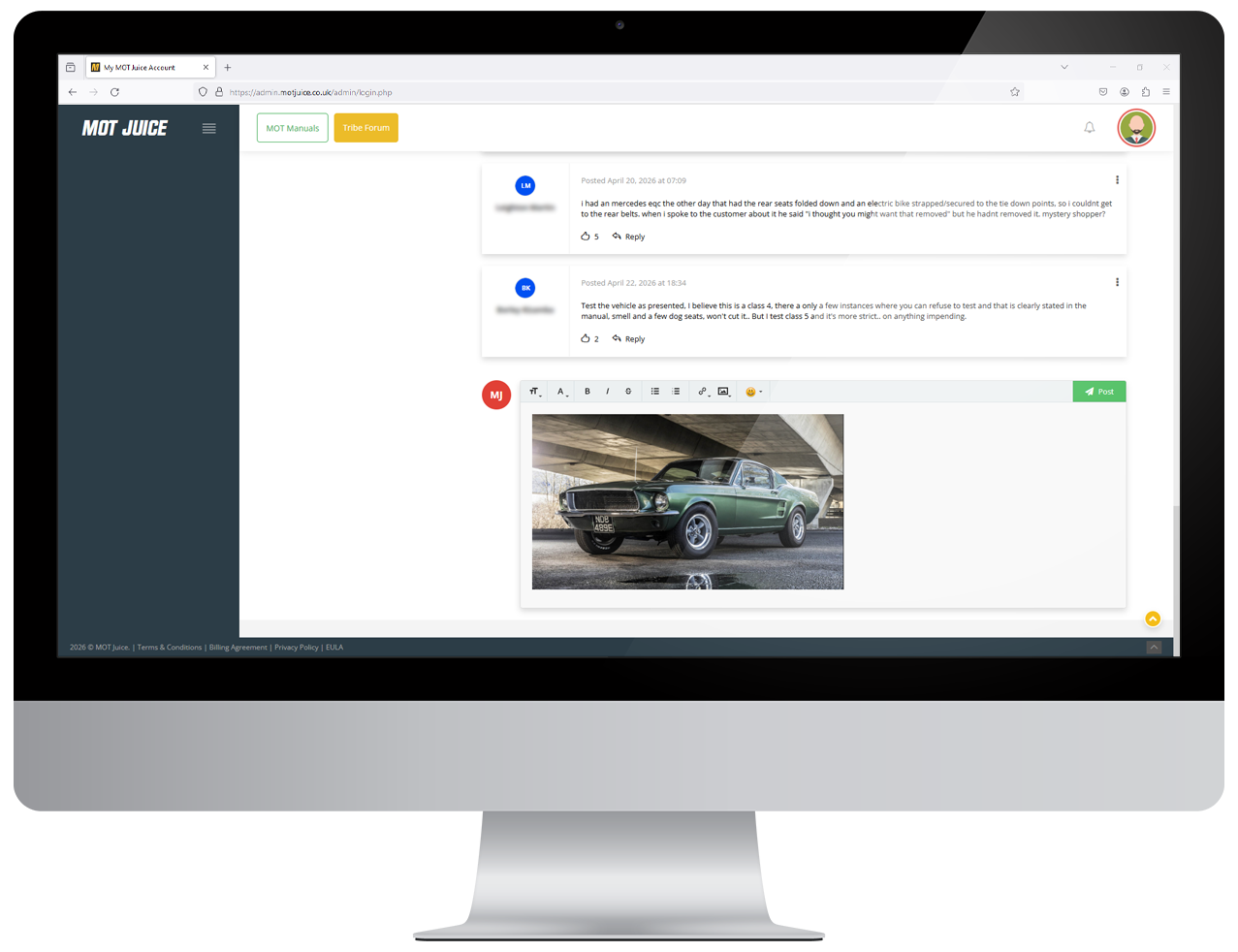
Step 4: Add images
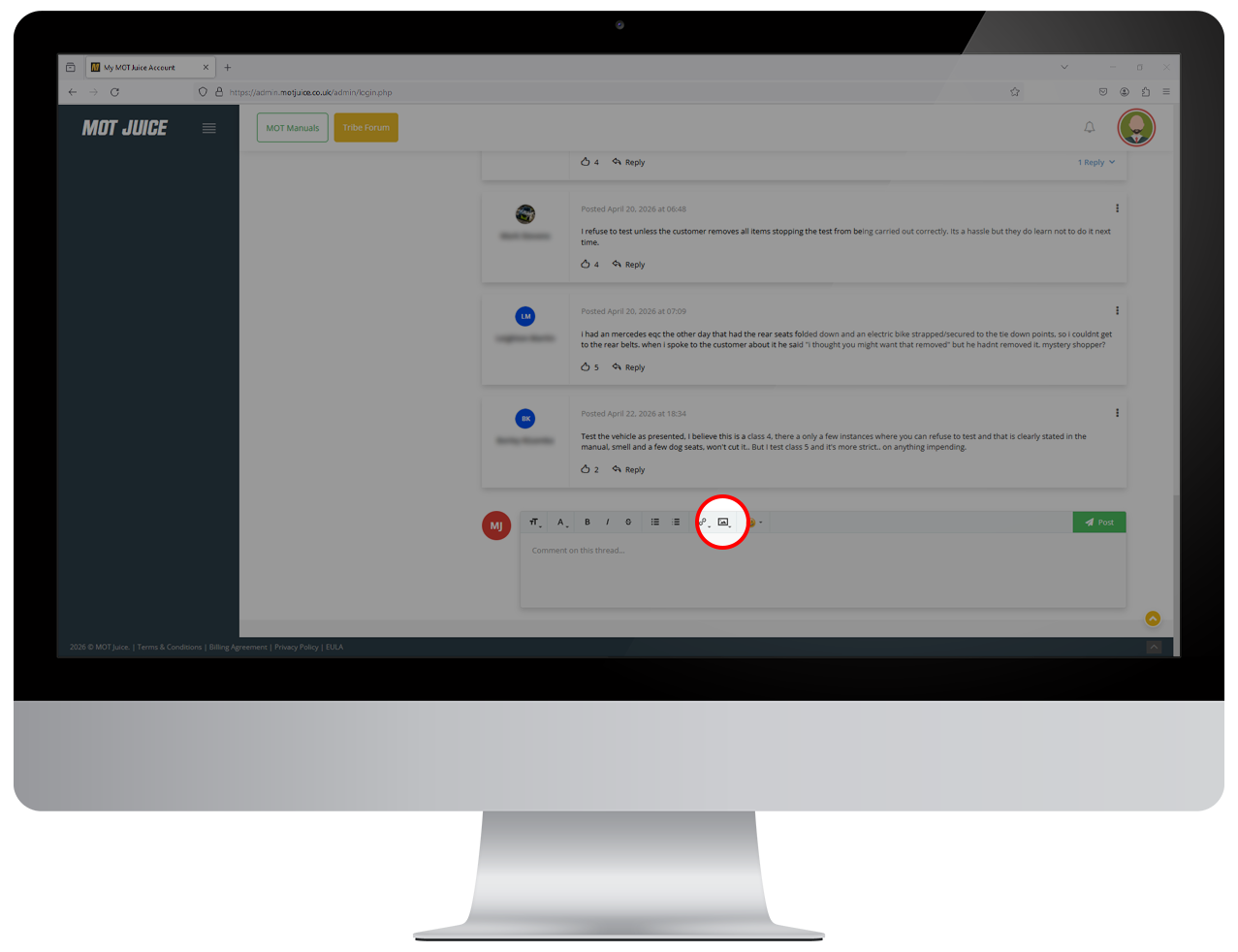
When writing your post content, using the toolbar, click on the icon to add an image. You'll be able to either:
- Upload an image from your local device, or
- Insert an image from a URL
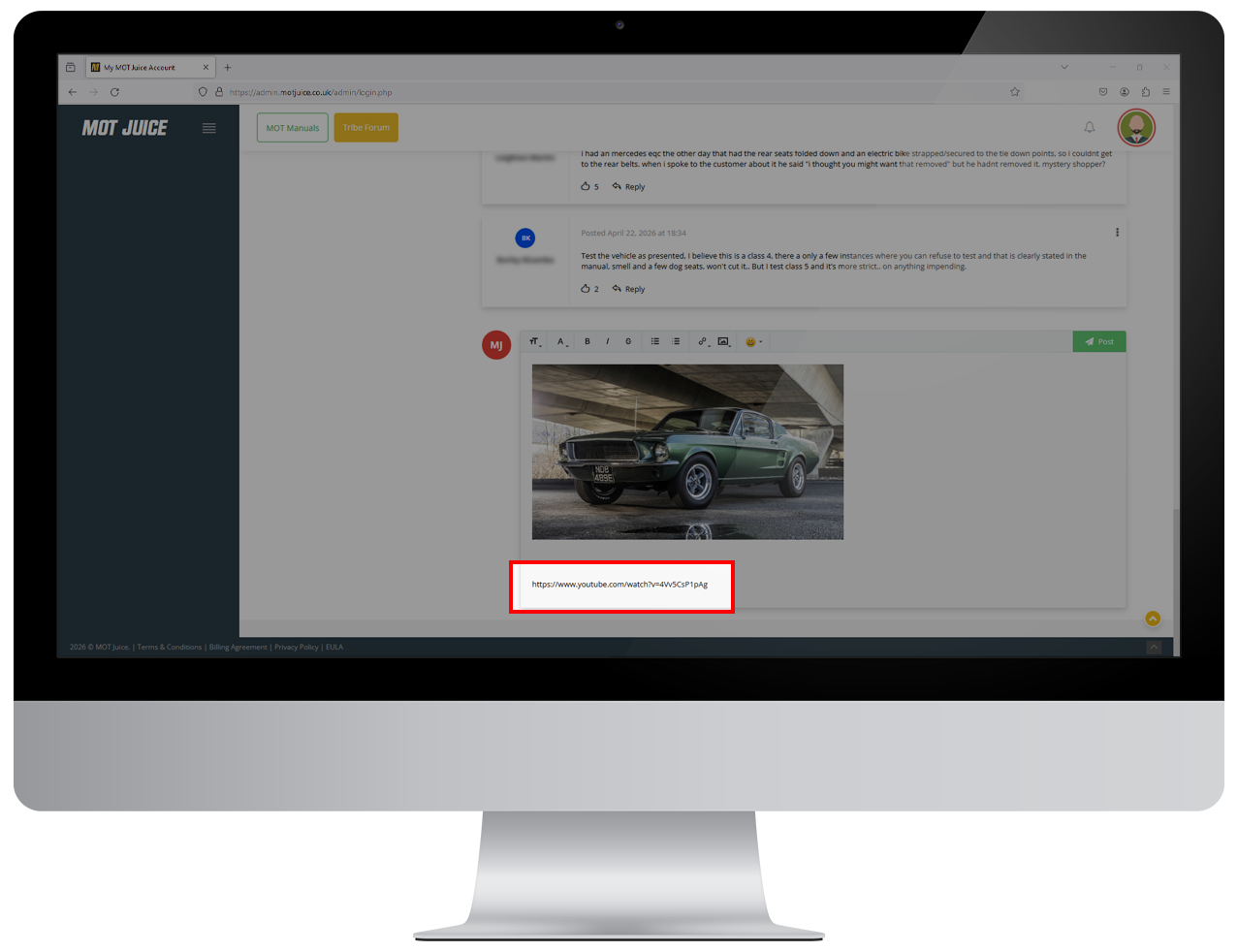
That's it! Your image will be inserted into your content ready for you to post to the Forum.
To add videos, just use the video URL (e.g. YouTube) and paste this into your content. A link will be created for people to view your video.