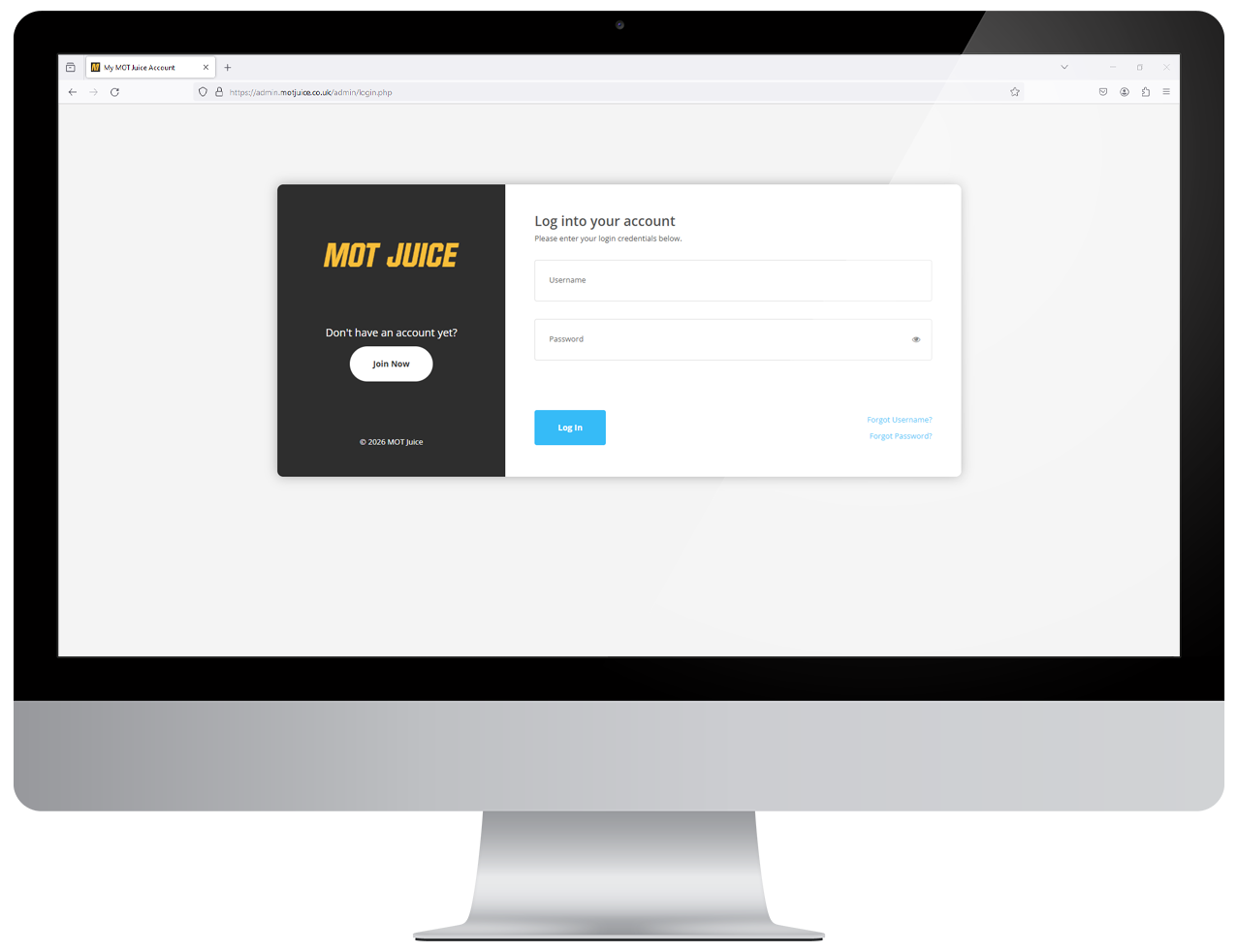
Navigate to the MOT Juice login page here: https://admin.motjuice.co.uk/admin, and then enter your MOT Juice login details to access your account.
Step 2: Access your user menu
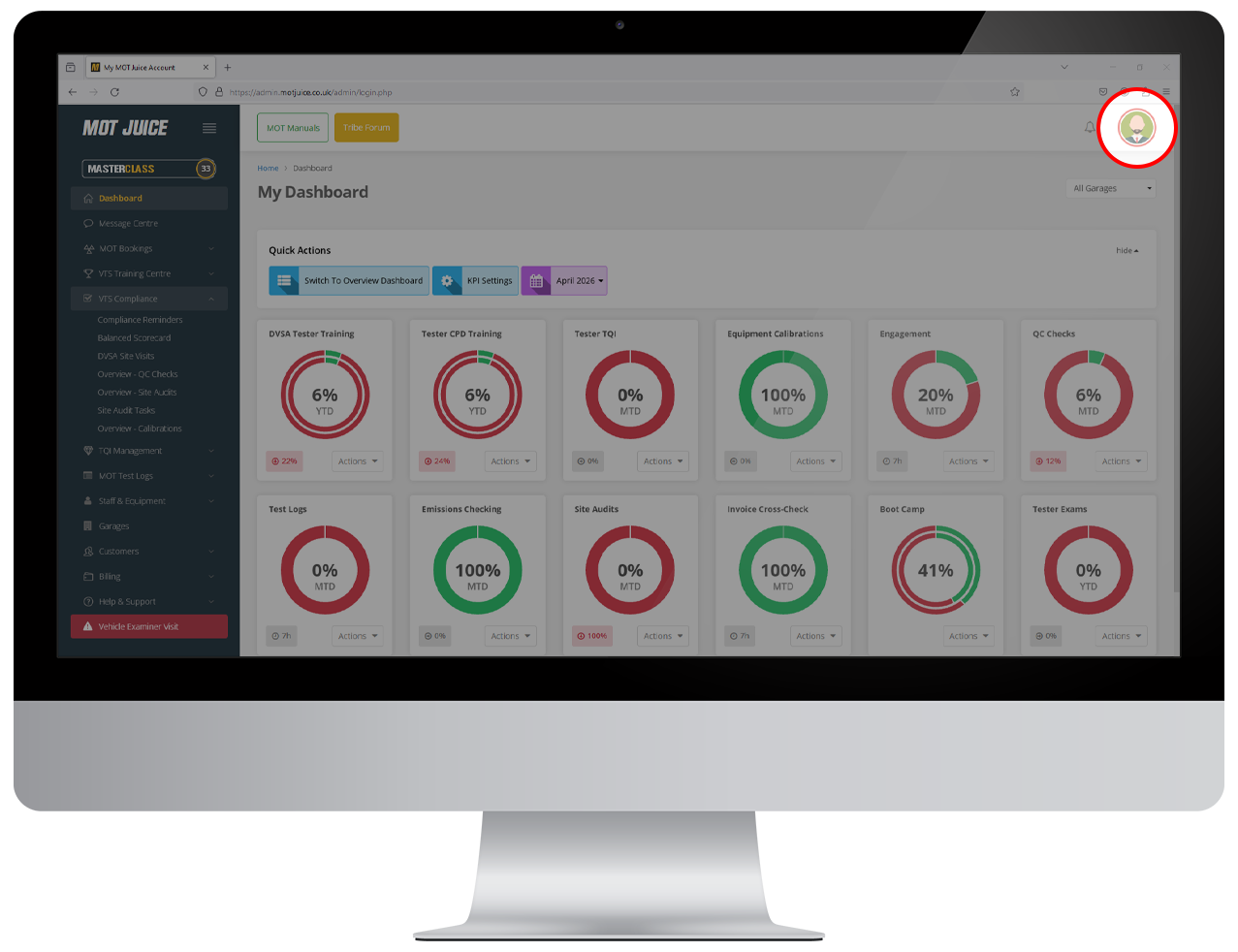
Hover over your user icon in the top right of the screen. This will show your user menu with a handful of options.
Step 3: Access your profile
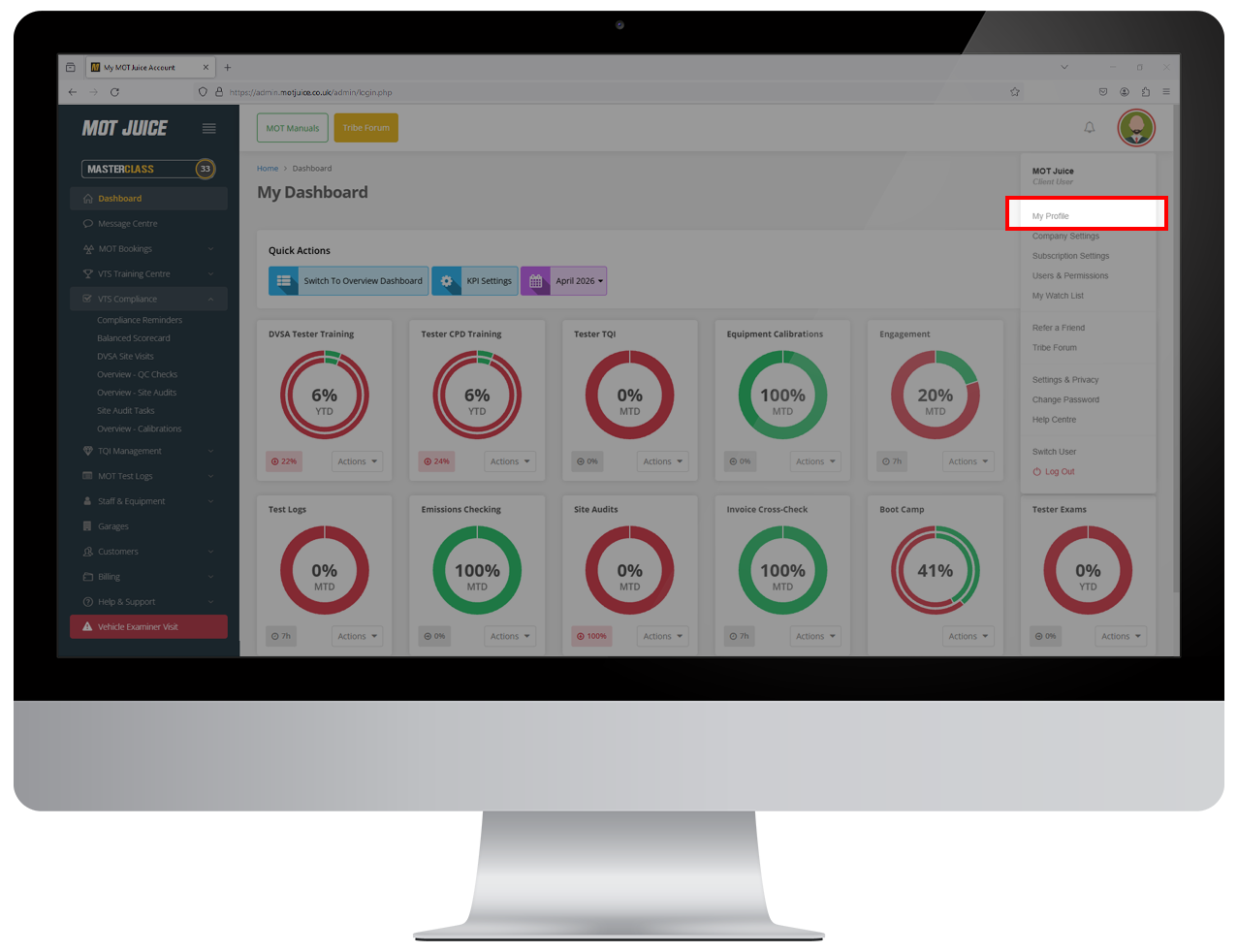
From the user menu, click on 'My Profile'.
Step 4: Click on your profile image
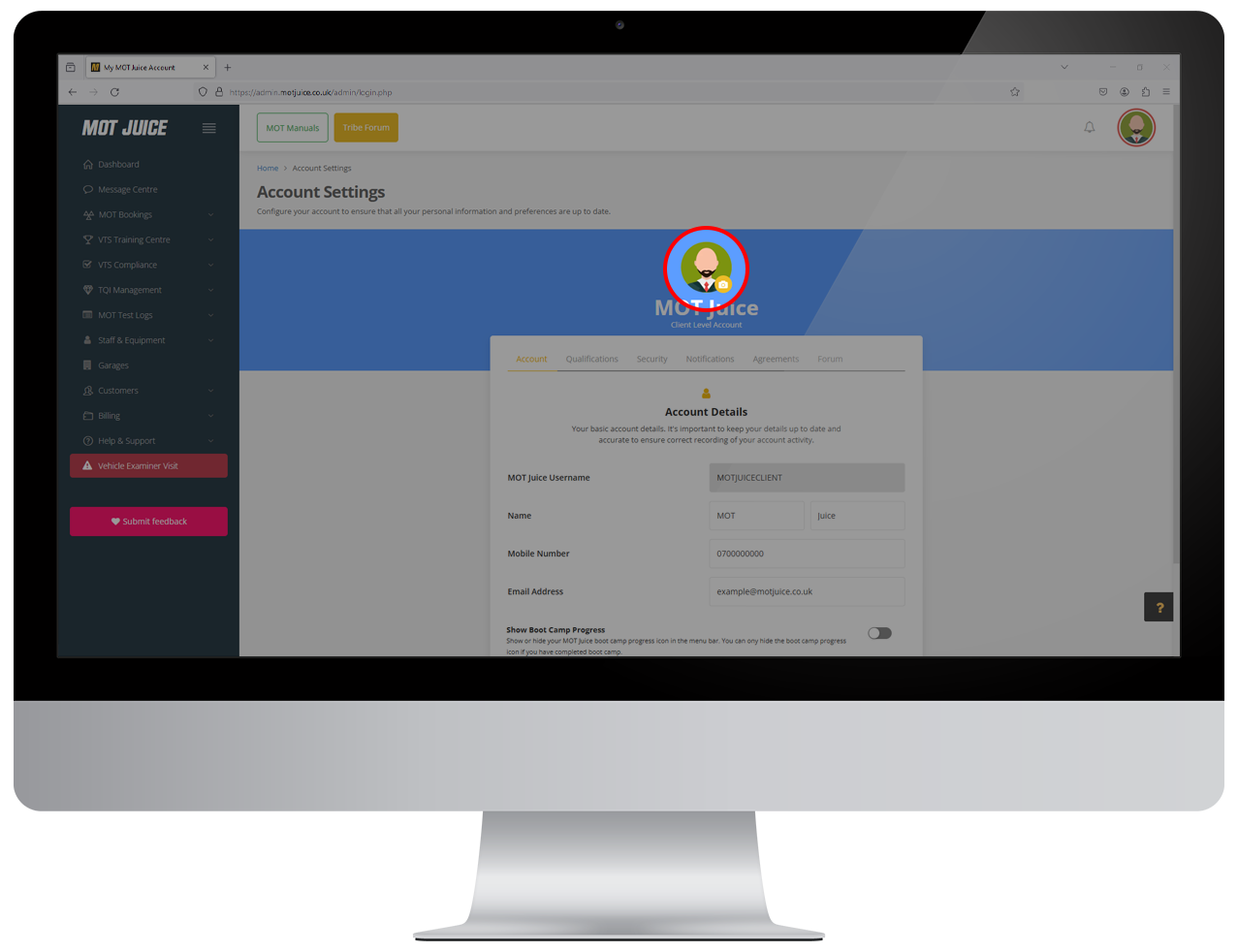
On your profile page, in the middle, click on your profile image.
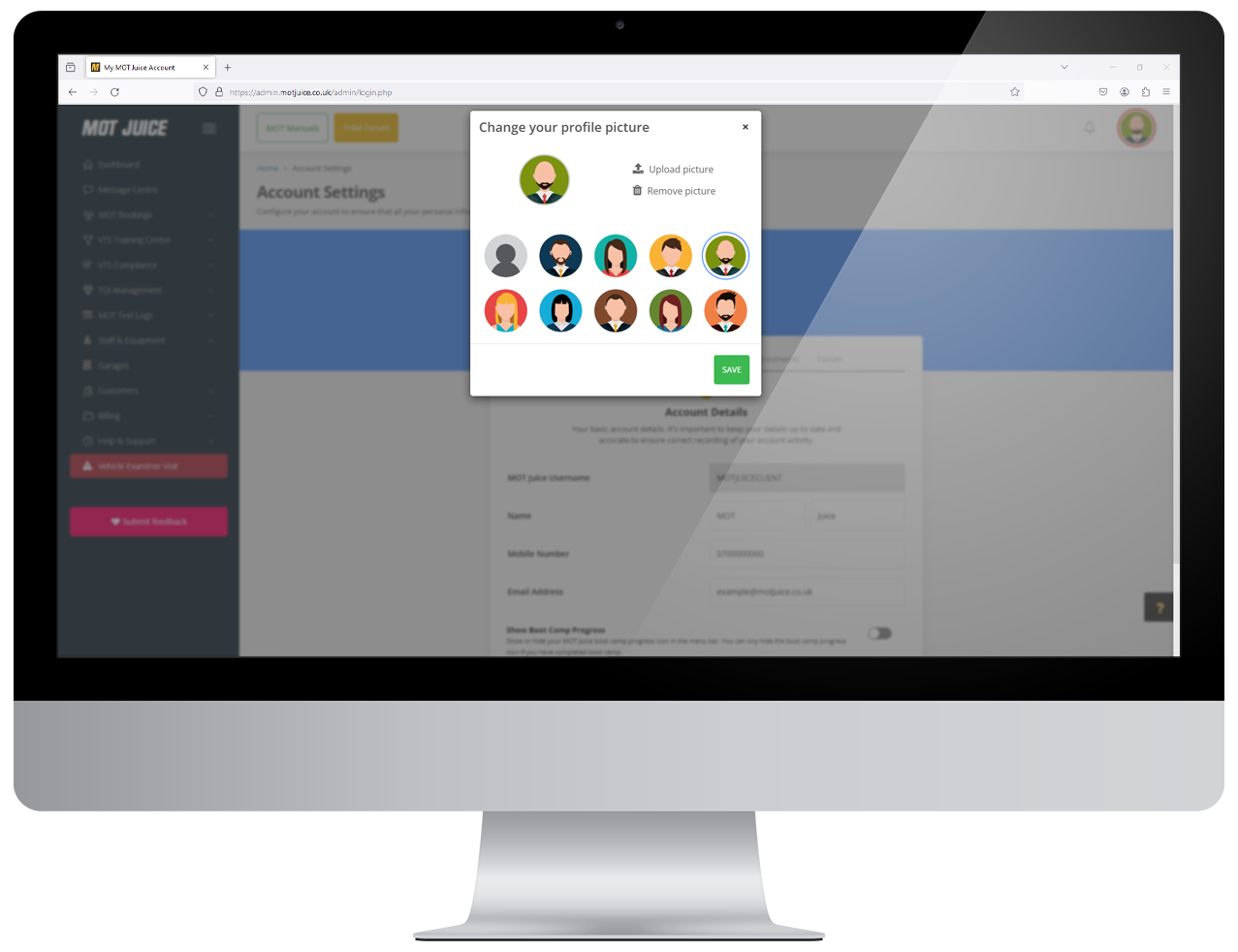
Step 5: Select or upload an image
On the pop up window that appears, you can either select an avatar from the library, or upload your own image. Once you've selected an image to use, click 'Save' and your MOT Juice profile will be updated instantly.
That's it! You can change your profile avatar at any time. Your profile image is used in the MOT Juice Tribe Forum and achievement leader boards, as well as other areas of the MOT Juice system.