Introduction
Using MOT Juice makes managing your equipment and calibrations a breeze. Your MOT Juice system will create a calendar of when bits of your MOT equipment is due for calibration, complete with advanced timely alerts ensuring you never miss a calibration again.
How to see what needs calibrating each month
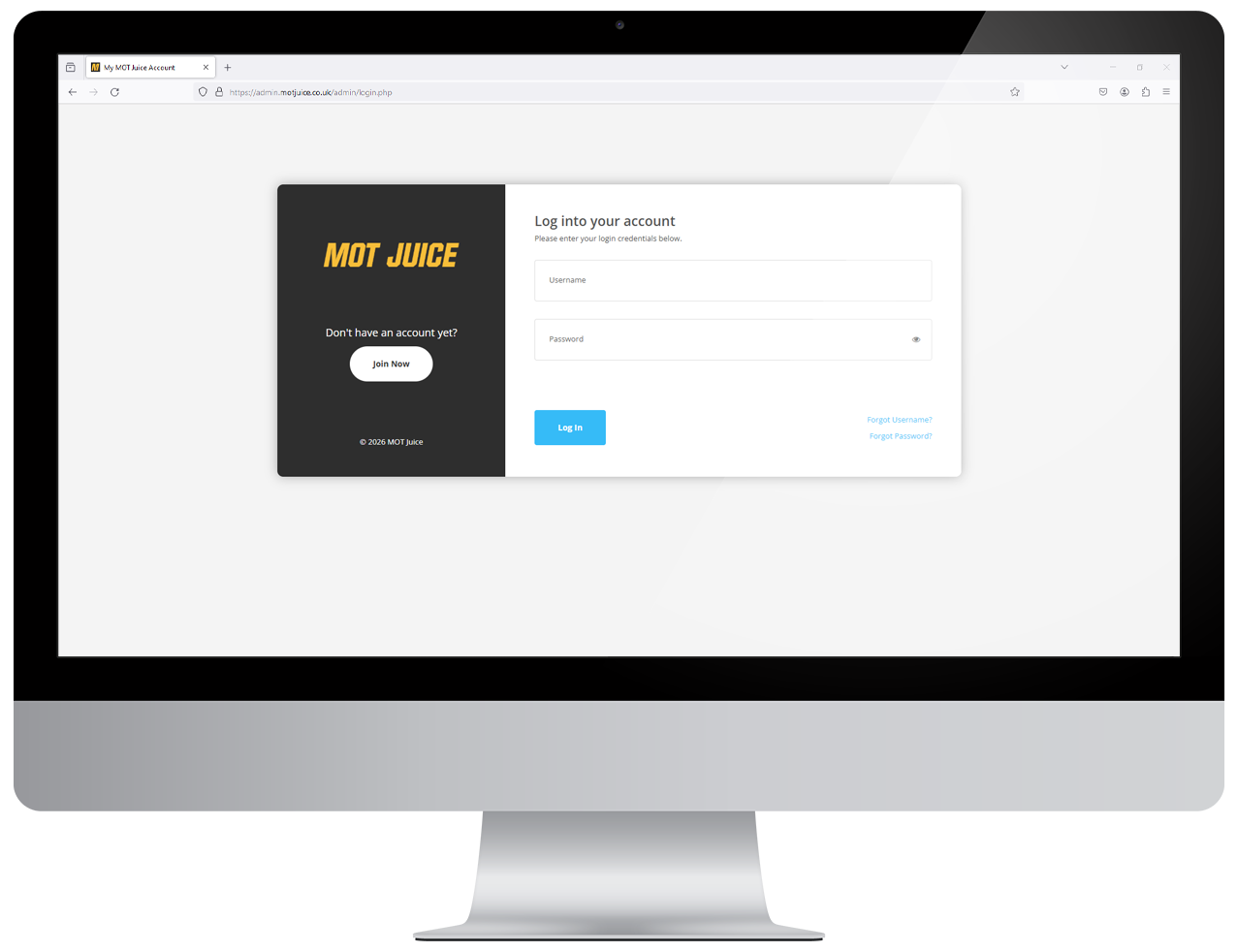
Step 1: Log into your MOT Juice accountNavigate to the MOT Juice login page here: https://admin.motjuice.co.uk/admin, and then enter your MOT Juice login details to access your account.
Step 2: Navigate to calibrations
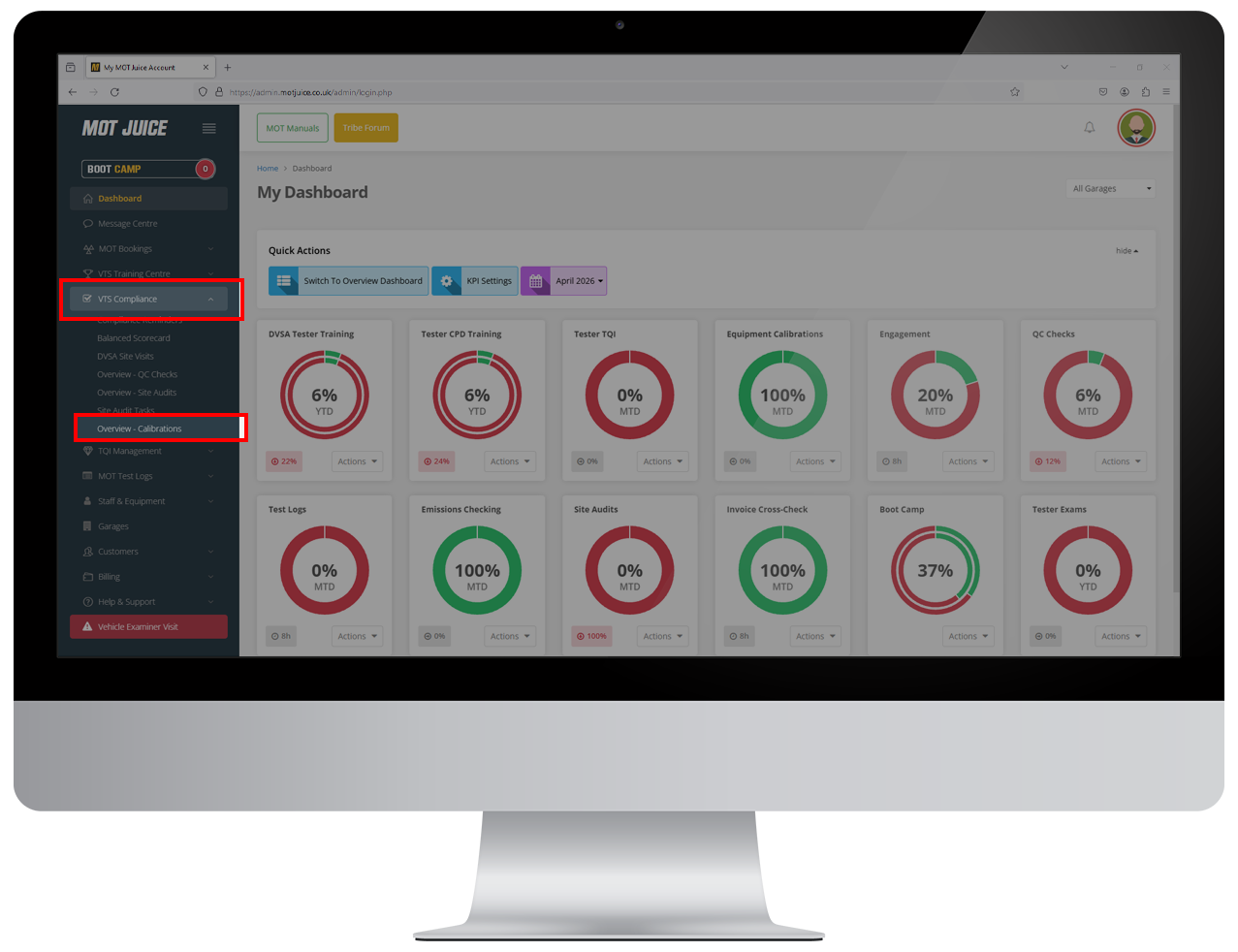
Using the left hand sidebar menu, go to VTS Compliance > Overview - Calibrations.
Step 3: View the calendar
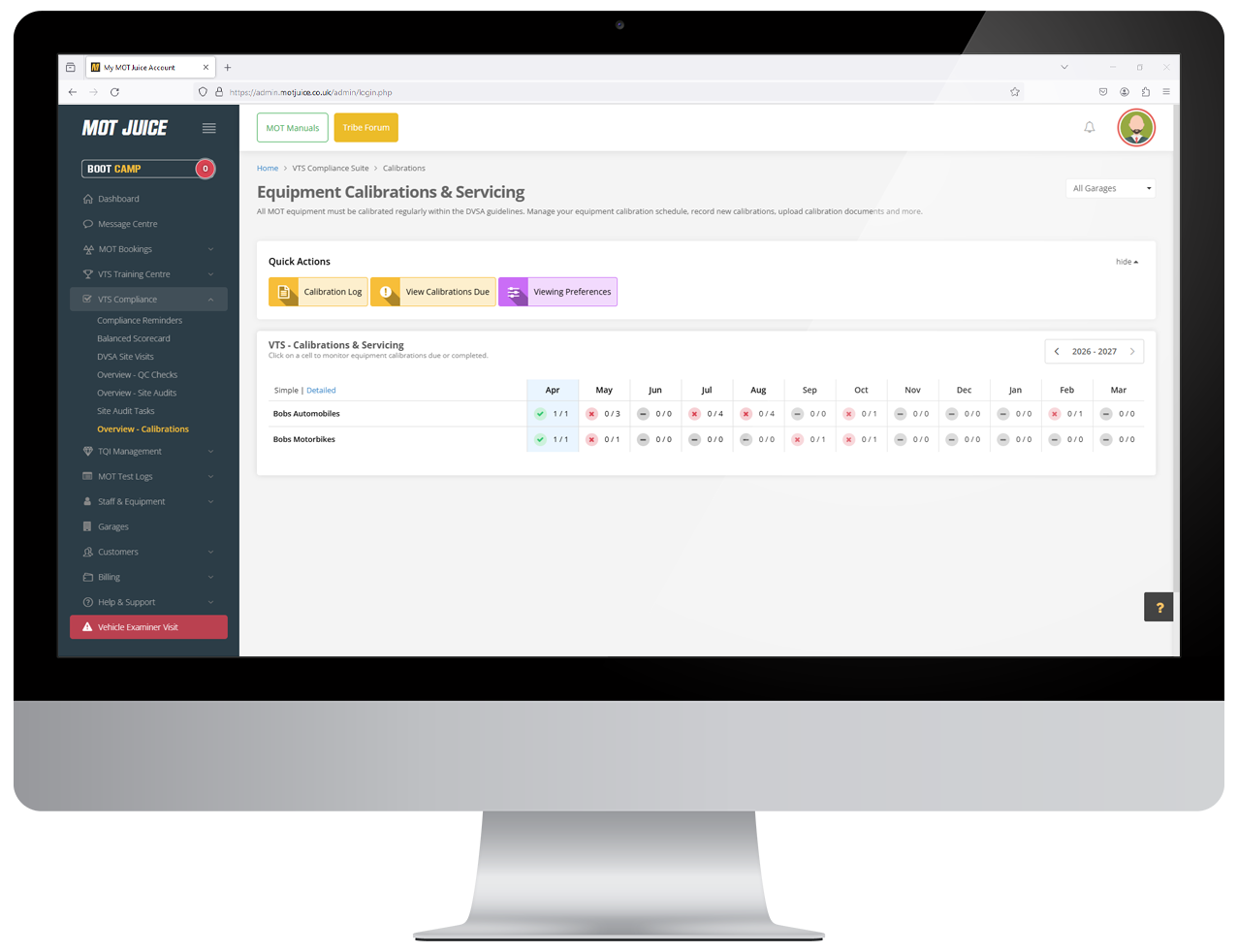
On the page, you'll see a grid showing all of your MOT sites (if you manage more than 1), and how many bits of equipment are due for calibrating in the coming months. The grid will show you:
- Where equipment has been calibrated
- Where equipment has not been calibrated
- Where equipment is due to be calibrated
- Where the are no calibrations due
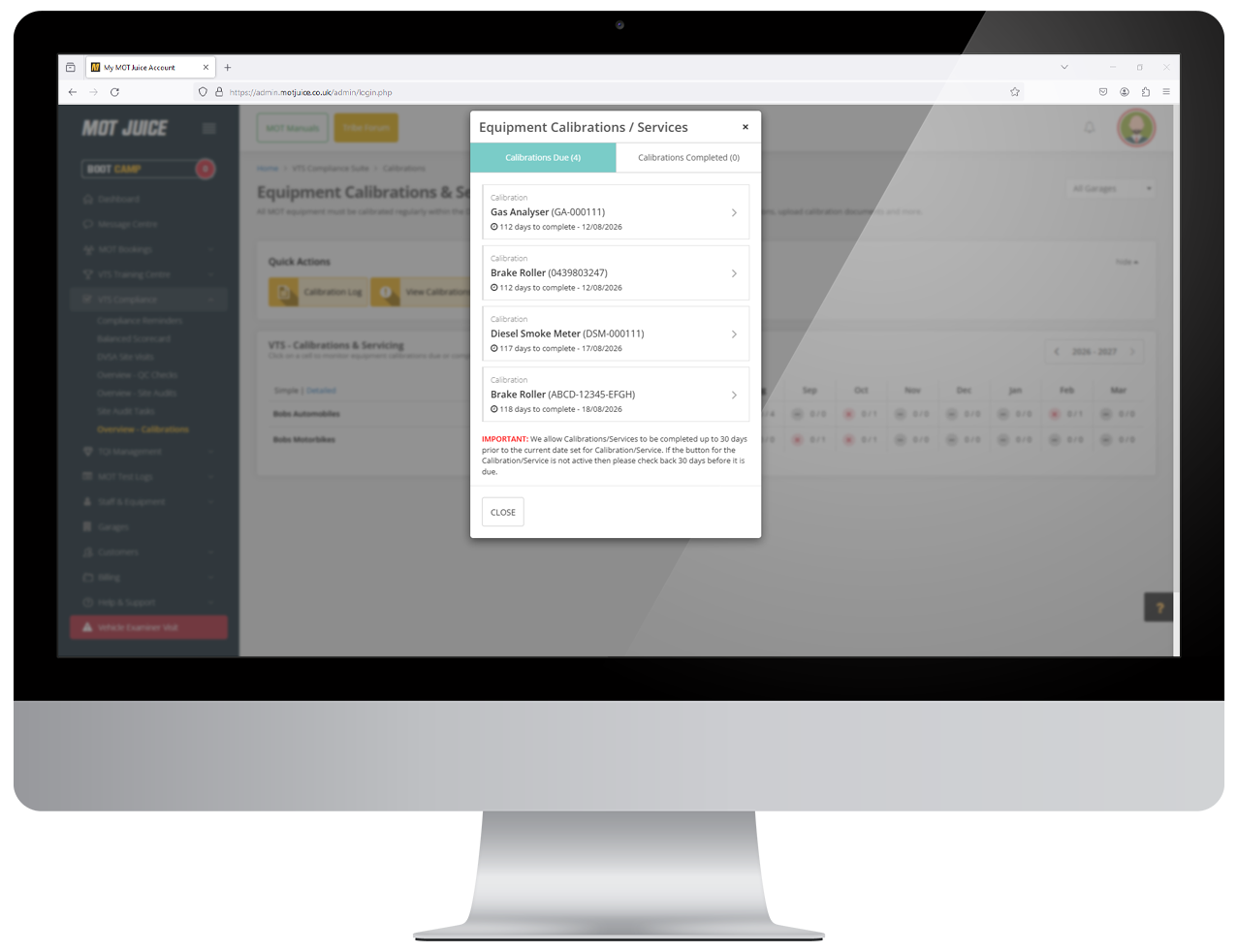
Step 4: View calibrations due
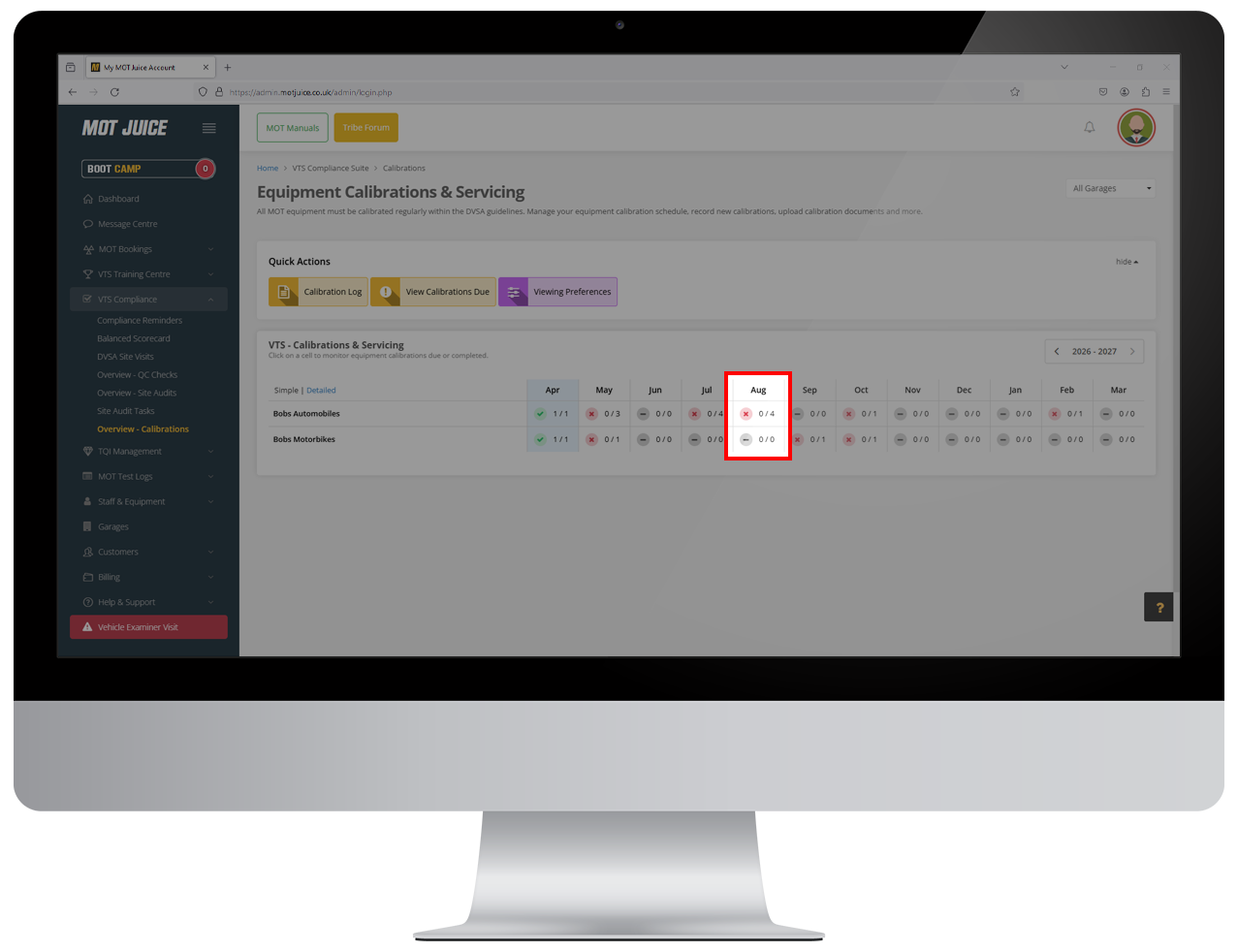
Looking at the grid, you can click on any month to view a list of all calibrations due in that month.
Keeping everything working
With MOT Juice working for your business, you can be assured that you'll never miss an alert to upcoming calibrations, reducing the risk of testing using uncalibrated equipment.