QUICK ANSWER
Yes
If you've made a mistake on one of your MOT equipment calibration records (for example, a mis-types certificate number, or calibration dates) then making amendments in your MOT Juice account is really easy, and changes take effect immediately.
How to make changes
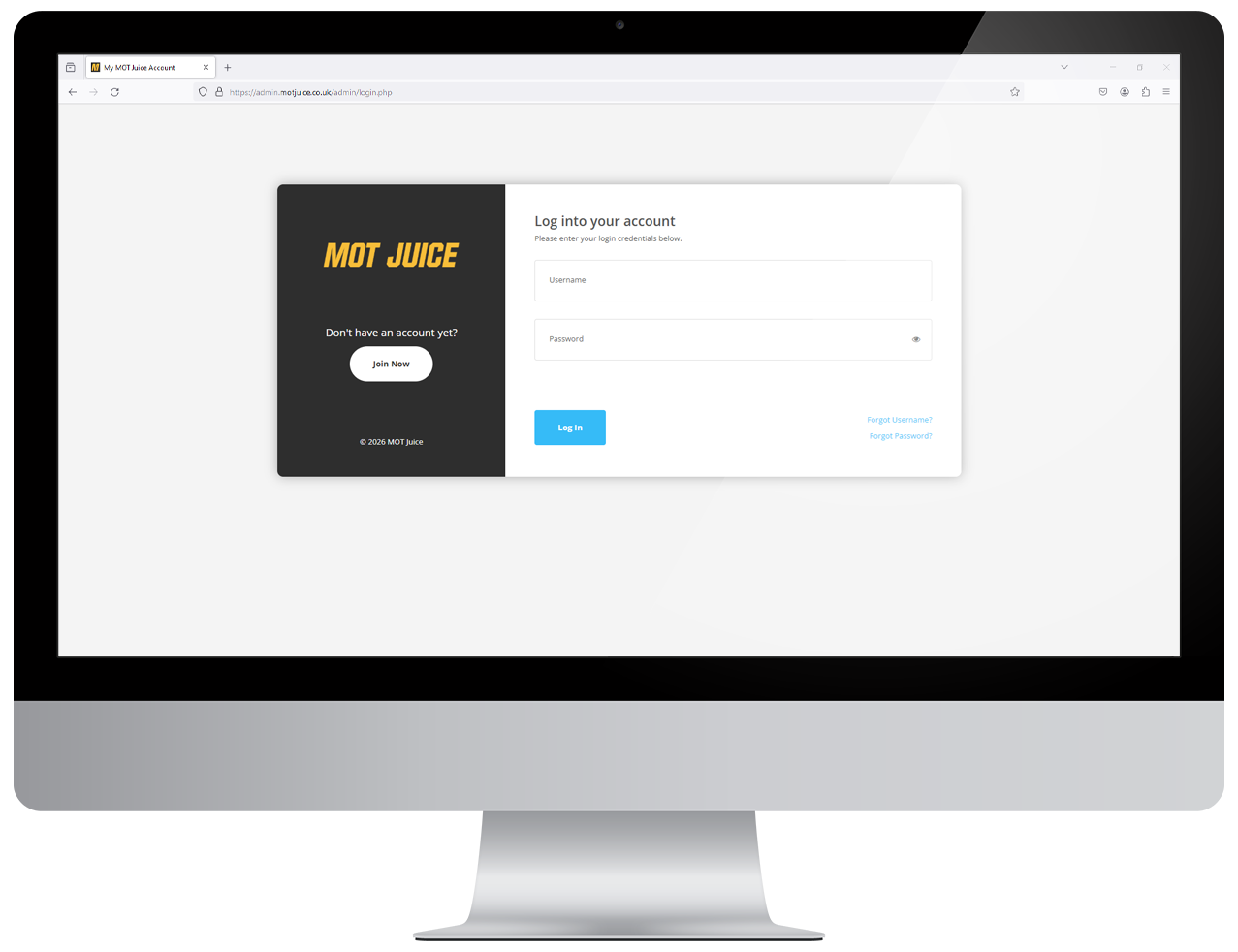
Step 1: Log into your MOT Juice accountNavigate to the MOT Juice login page here: https://admin.motjuice.co.uk/admin, and then enter your MOT Juice login details to access your account.
Step 2: Navigate to MOT equipment
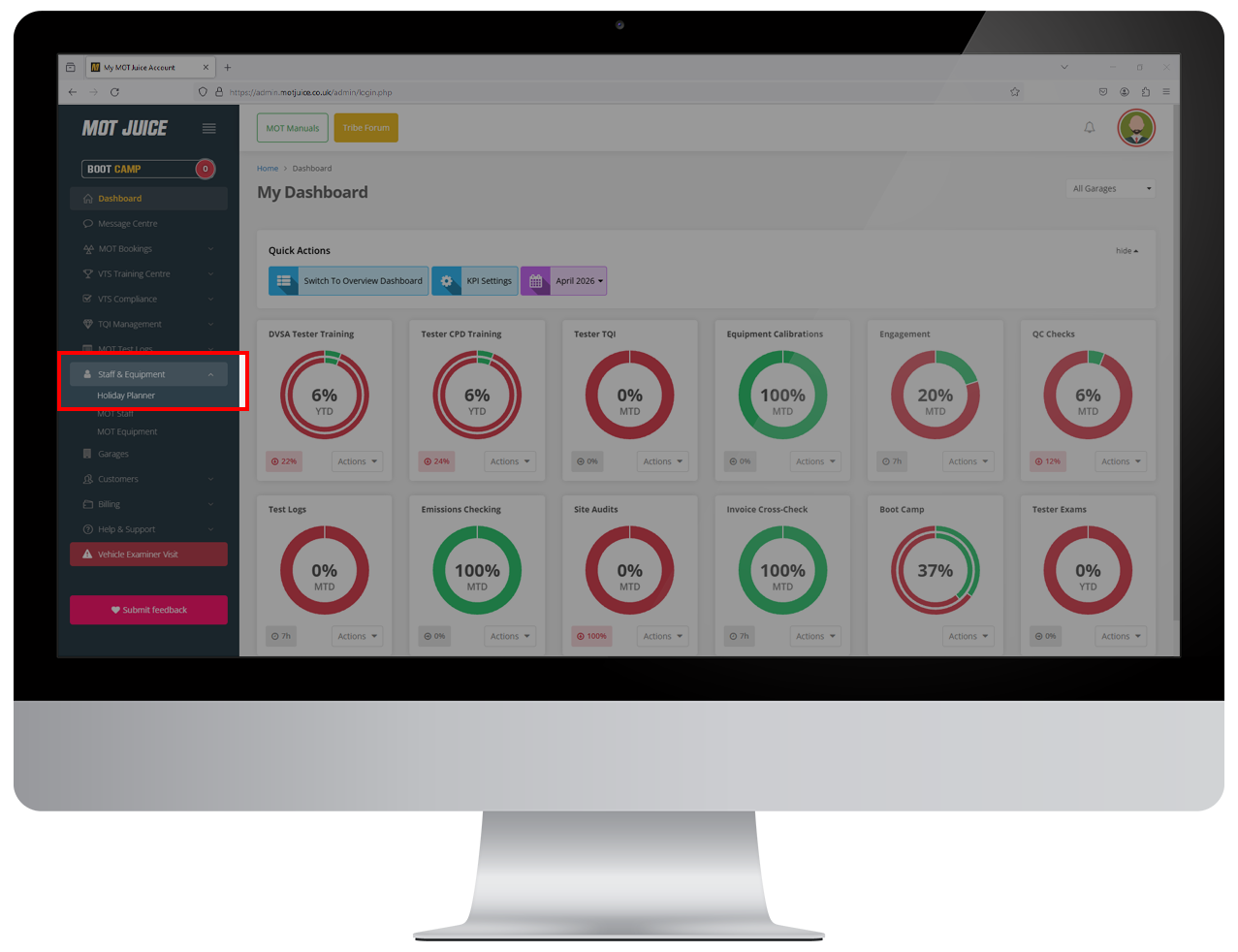
After you have logged in and are on your dashboard, using the left hand sidebar menu, open the 'Staff & Equipment' menu item and then click on 'MOT Equipment'.
Step 3: Click on the 3-dots
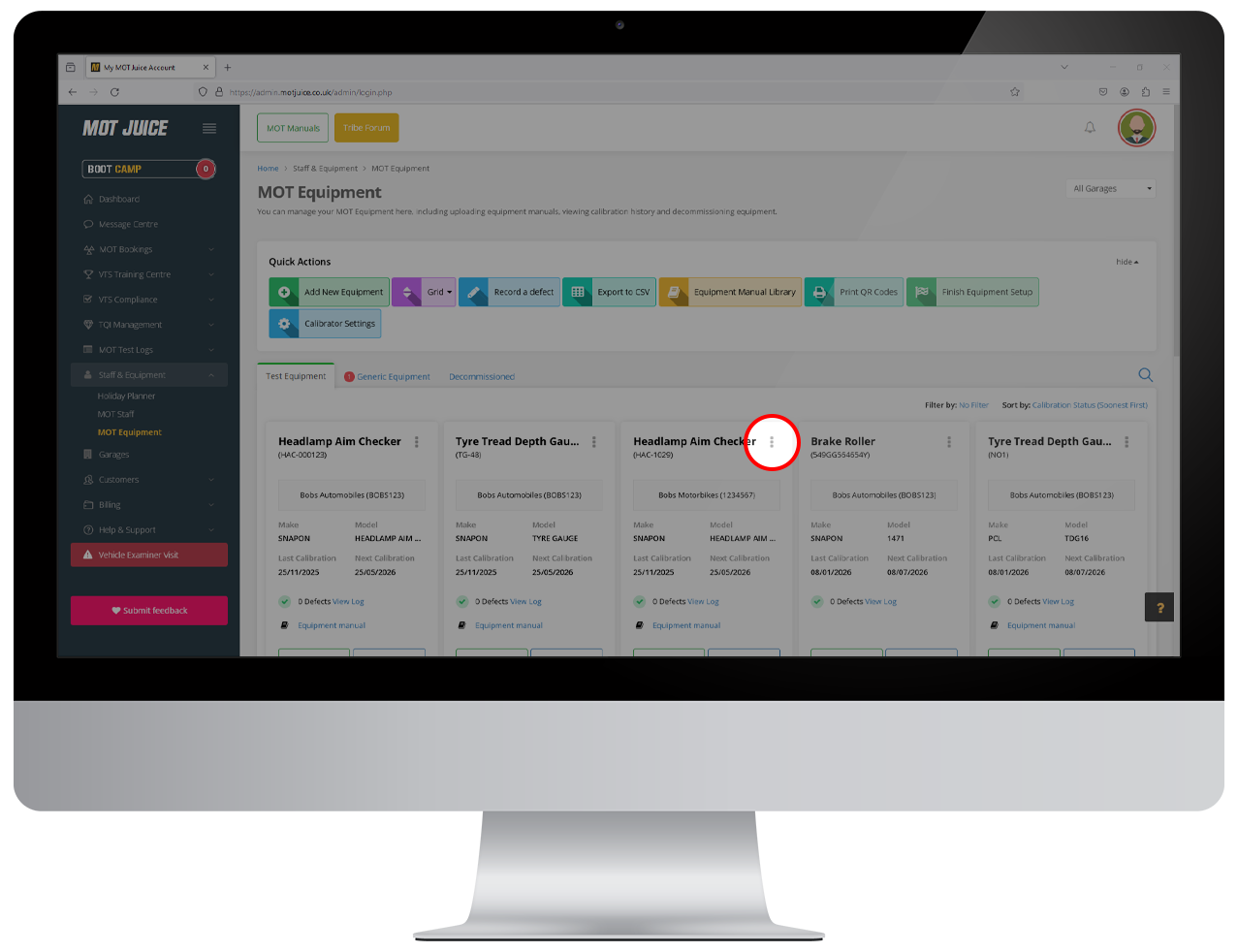
Find the piece of equipment that you want to generate a QR code for, and click on the 3-dots in the top right of the equipment card.
Step 4: Click to view calibration history
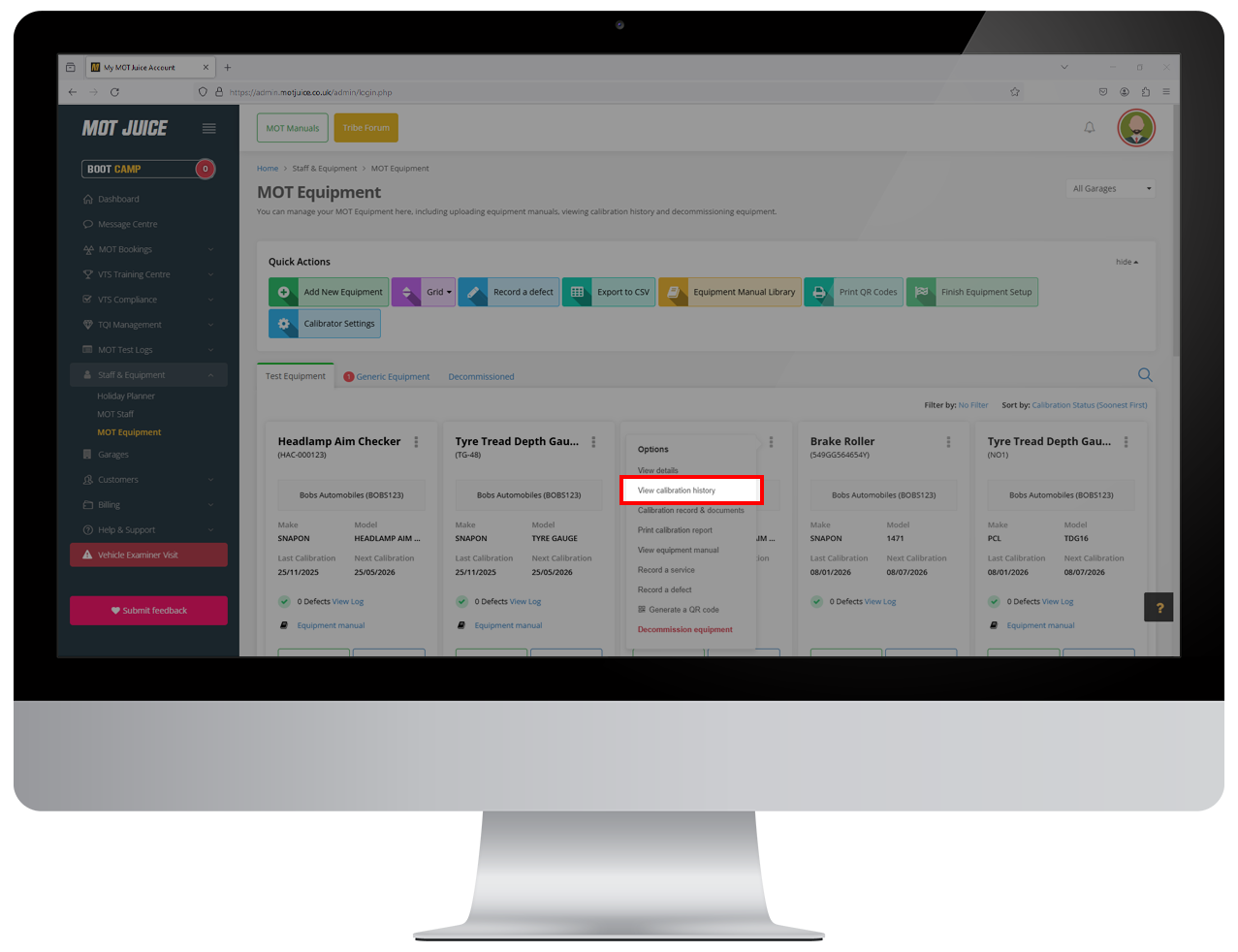
In the menu that opens up for the selected equipment, near the top of the list will be an item for 'View Calibration History'. Click on this.
Step 5: Click on the latest calibration record
In the pop up window that appears and shows a list of the calibration history for your selected piece of equipment, click on the latest calibration record at the top.
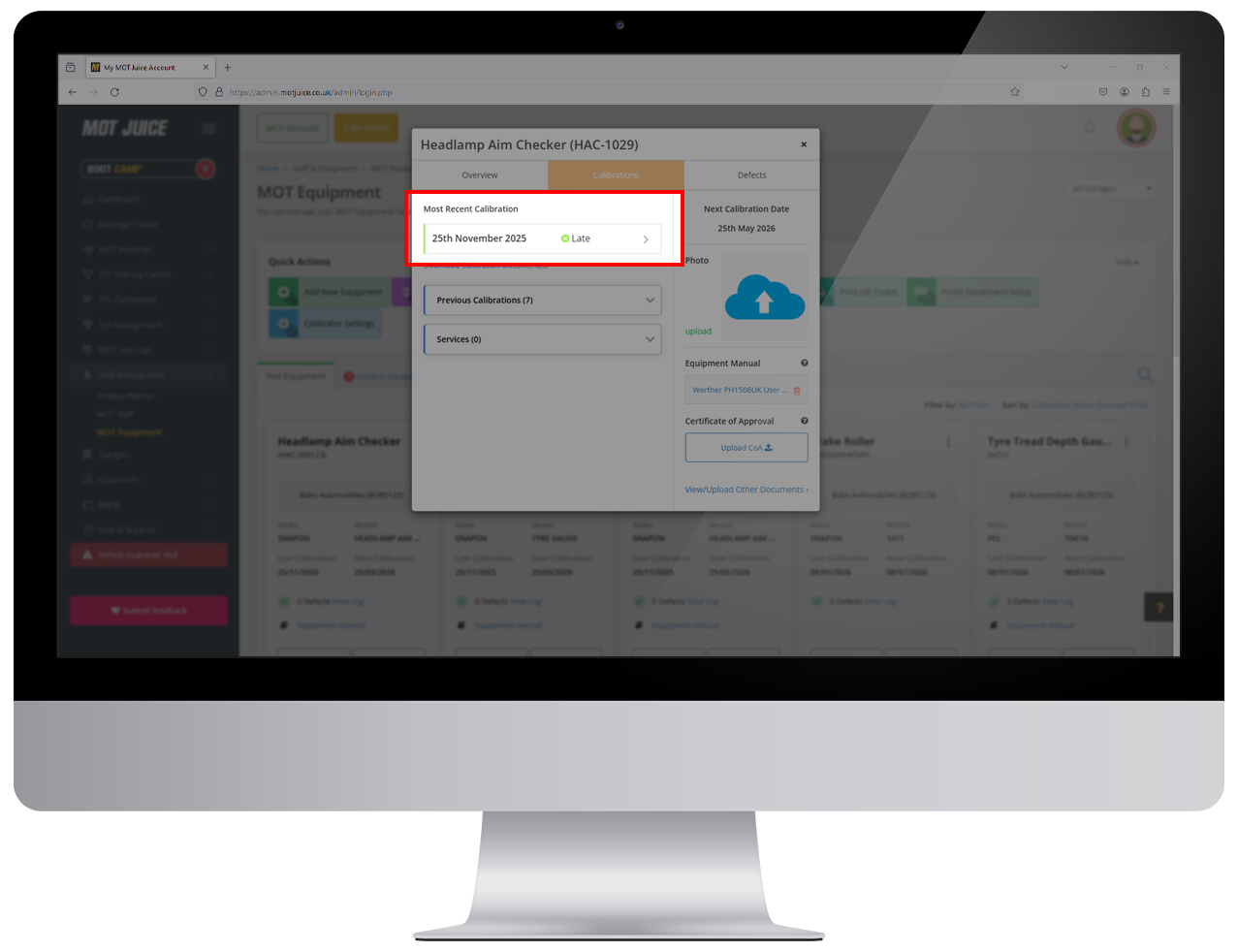
Step 6: Click to edit calibration record
In the following pop up window that shows the details of the calibration record, near the bottom click on 'Edit calibration record'.
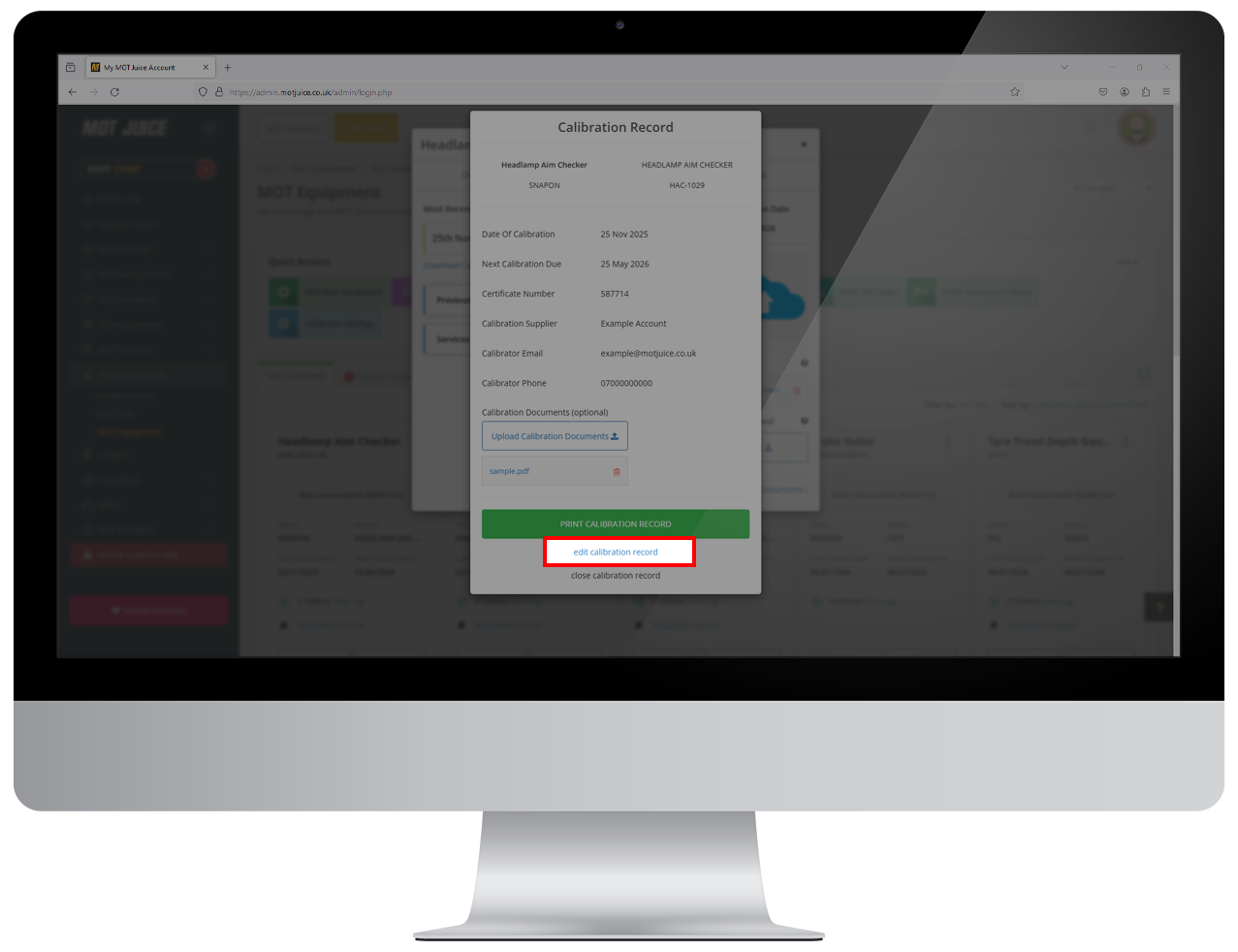
Step 7: Make changes and save
In the following pop up windows, you will be able to make any amendments to the calibration record, including:
- Date calibrated
- Certificate number
- Next calibration due
- Calibration supplier
- Calibrator email
- Calibrator phone
- Calibration documents
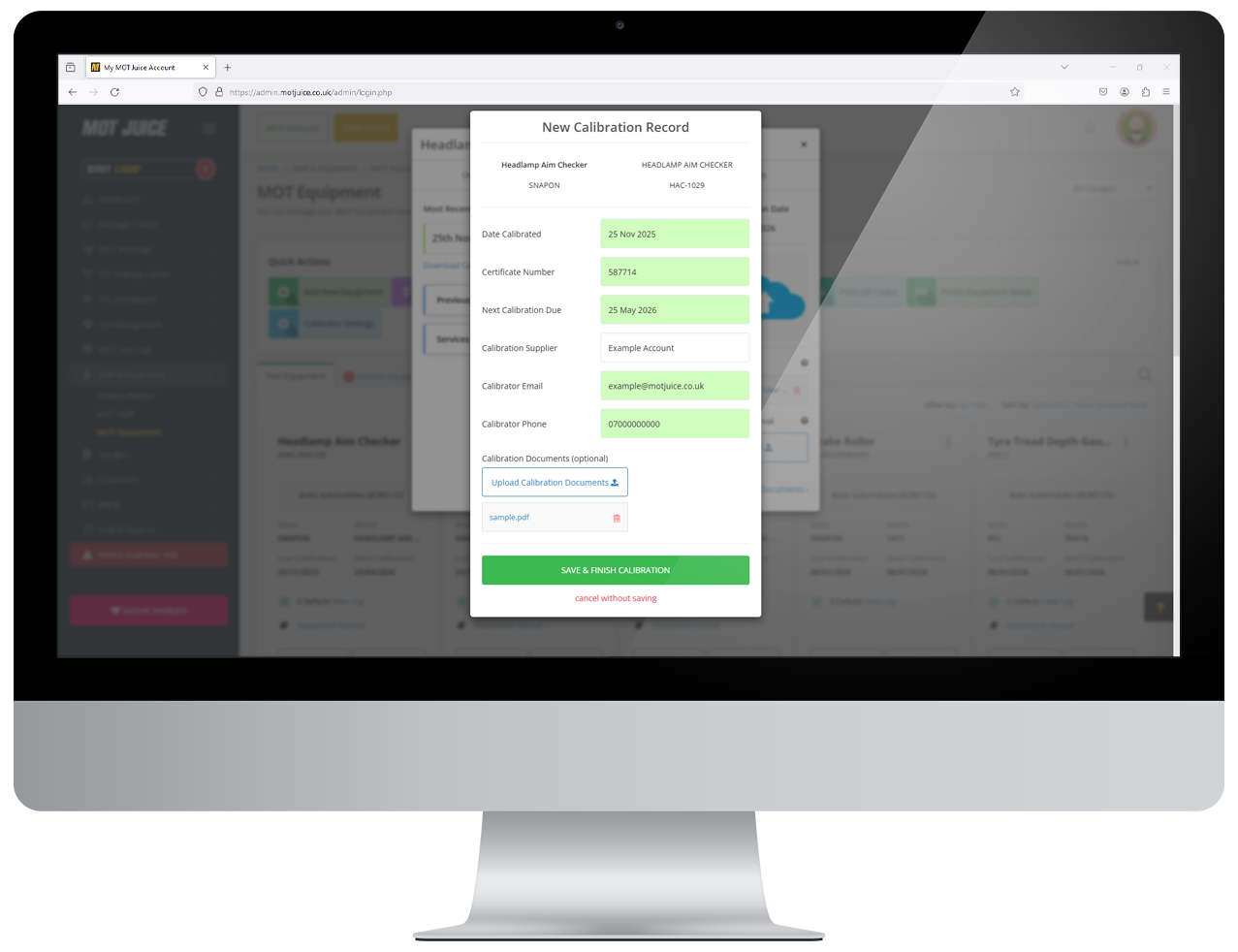
That's it! Your changes are updated across your system immediately, for all users.
Important: You can only make changes to the most recent calibration record. If you require changes made to older calibration records, please reach out to our Support Team and we'll be happy to help.