Introduction
The MOT Juice boot camp is a series of helpful walkthrough videos and quizzes to get you up and running with your new MOT Juice account smoothly and quickly. You can see track your boot camp progress with the logo in the top of the left hand navigation sidebar menu.
Once you've completely mastered boot camp, the logo will continue to show in order to demonstrate your achievement, however it can be removed if you prefer to get it out of the way.
How to remove the boot camp logo
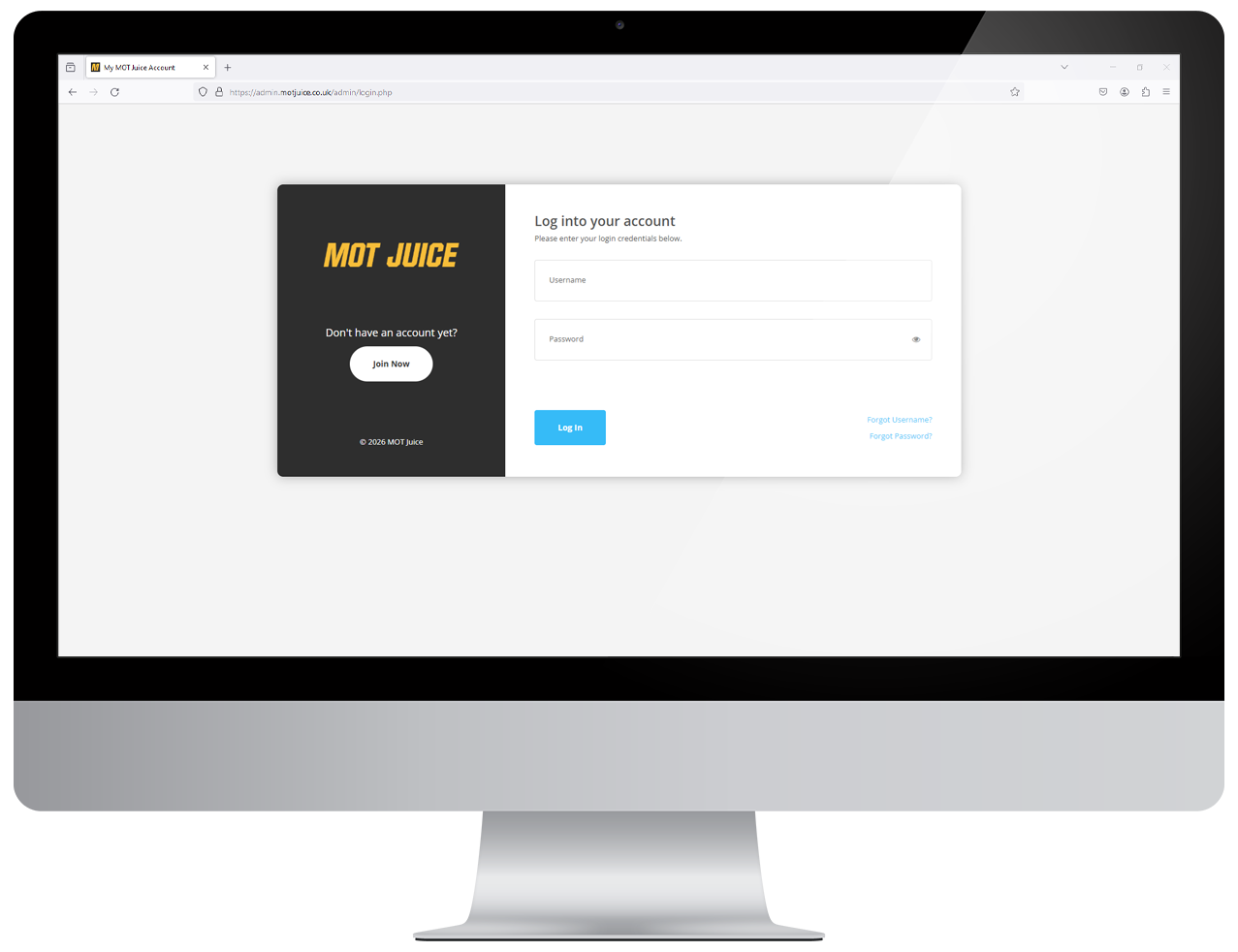
Step 1: Log into your MOT Juice accountNavigate to the MOT Juice login page here: https://admin.motjuice.co.uk/admin, and then enter your MOT Juice login details to access your account.
Step 2: Access your user menu
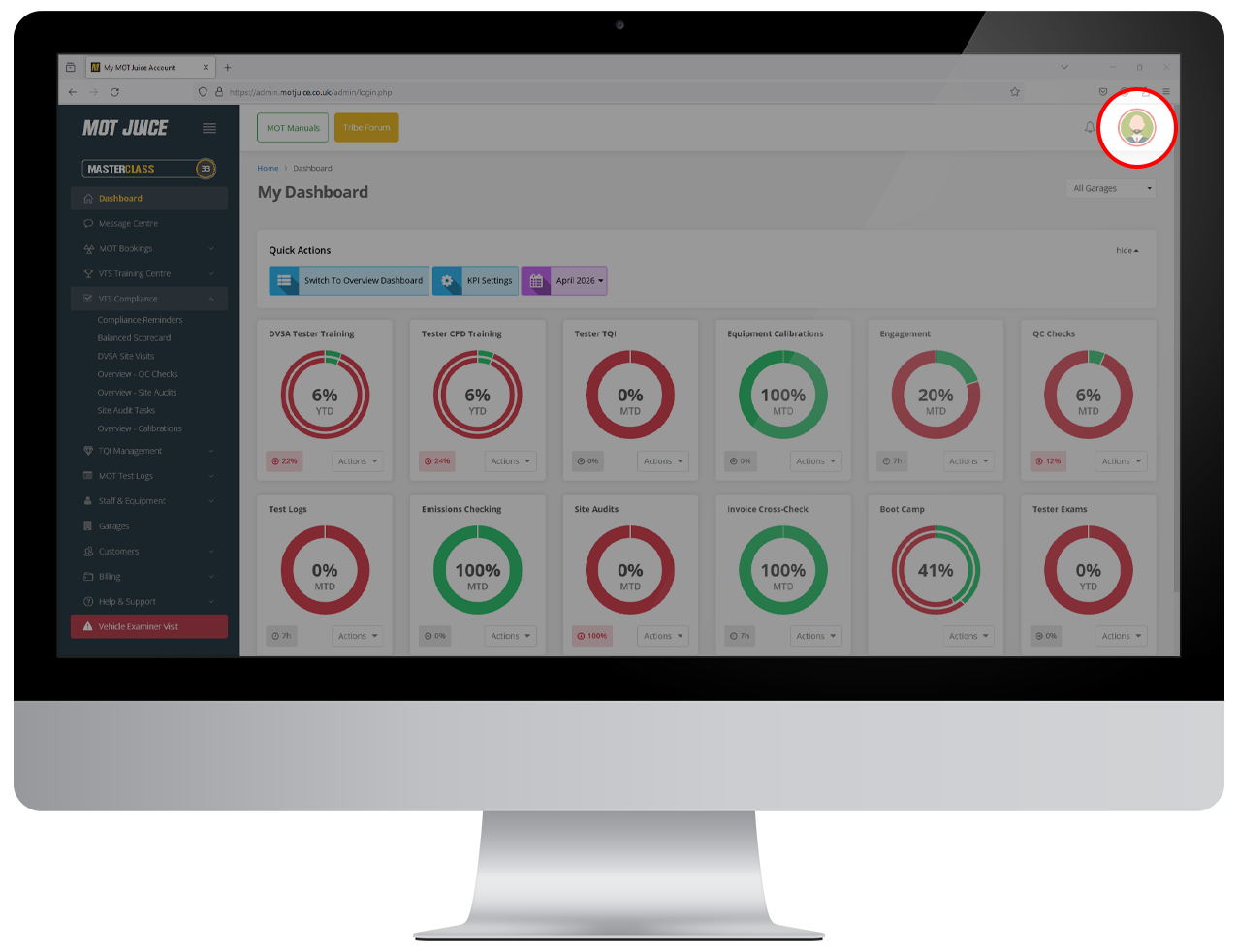
Hover over your user icon in the top right of the screen. This will show your user menu with a handful of options.
Step 3: Access your profile
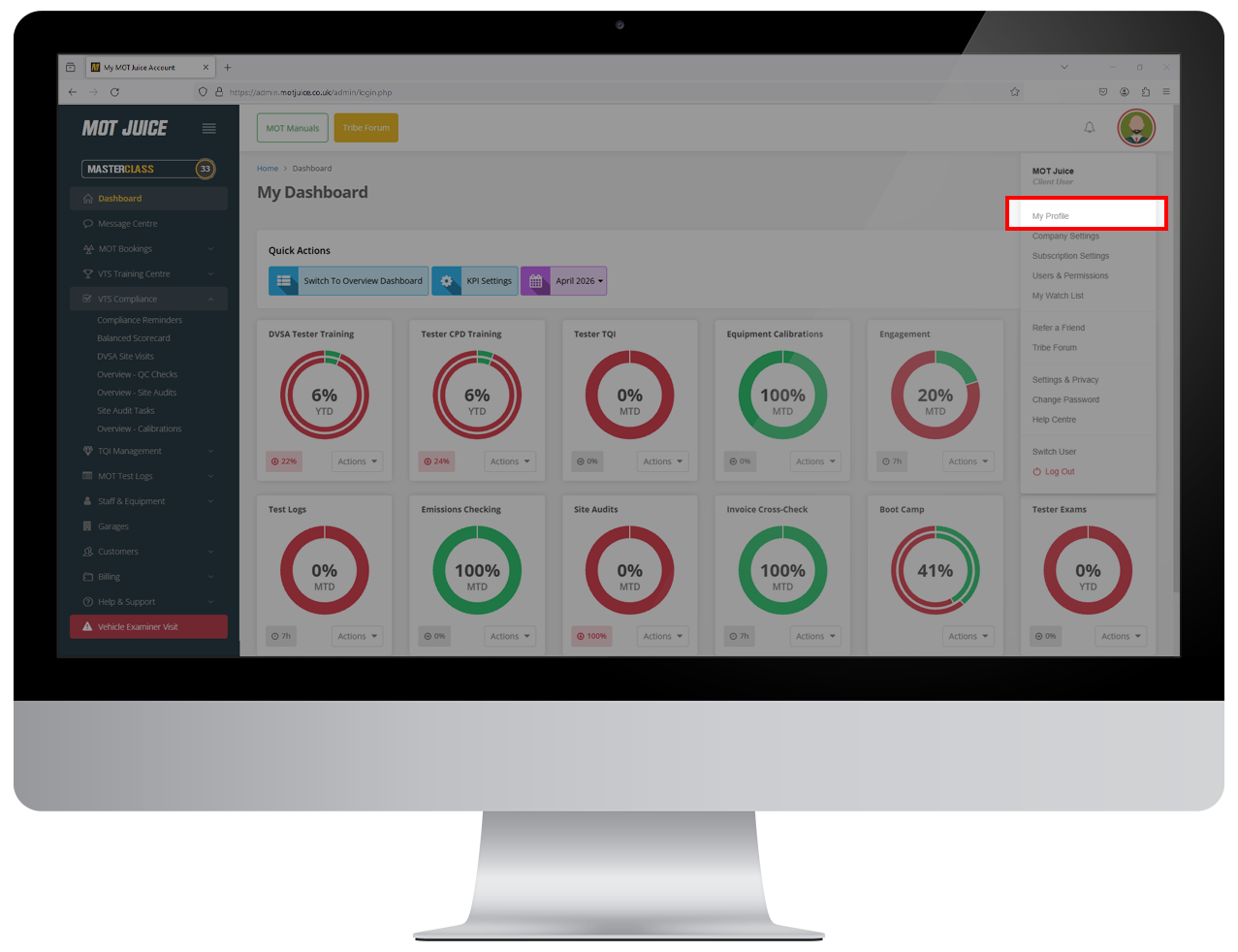
From the user menu, click on 'My Profile'.
Step 4: Toggle boot camp logo
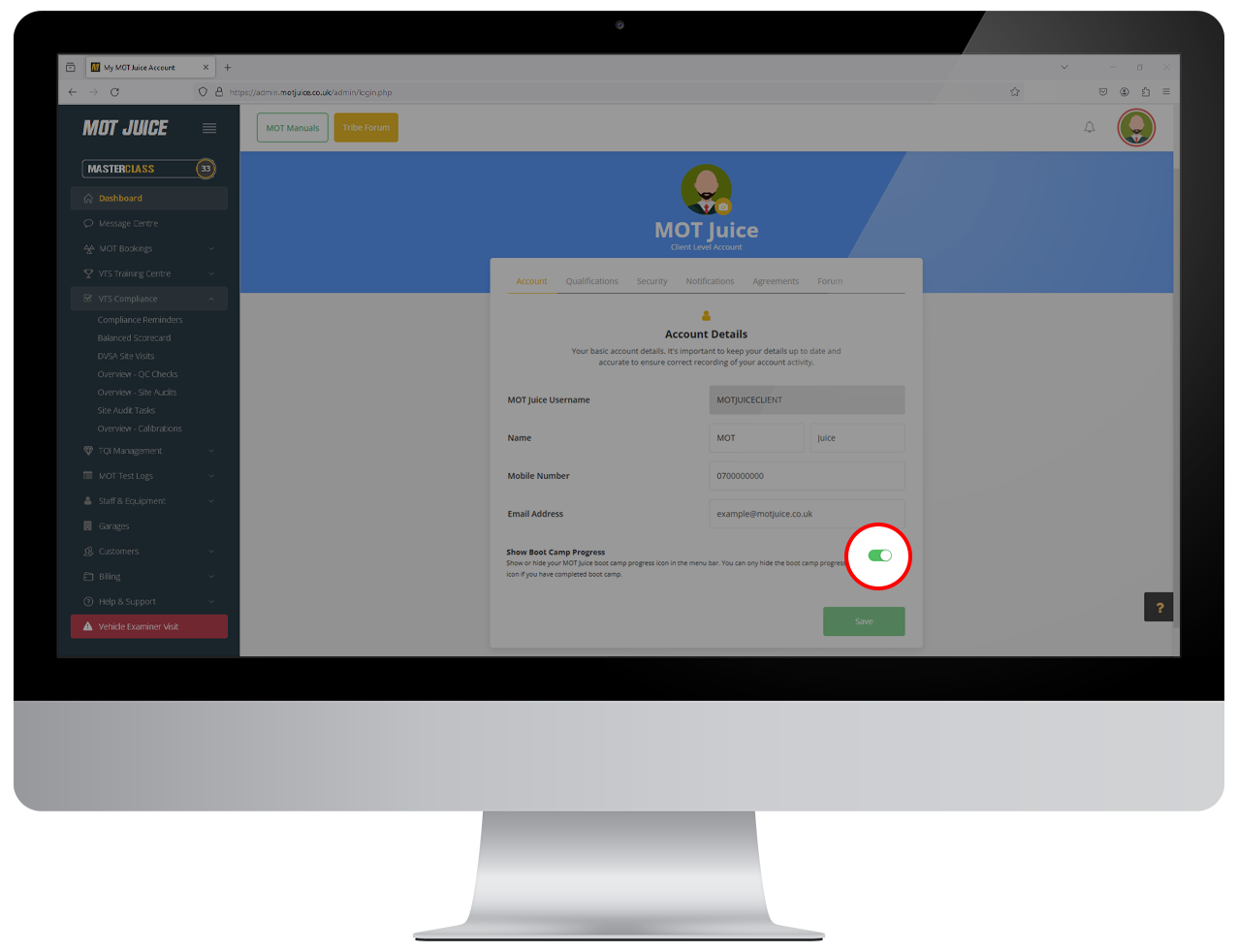
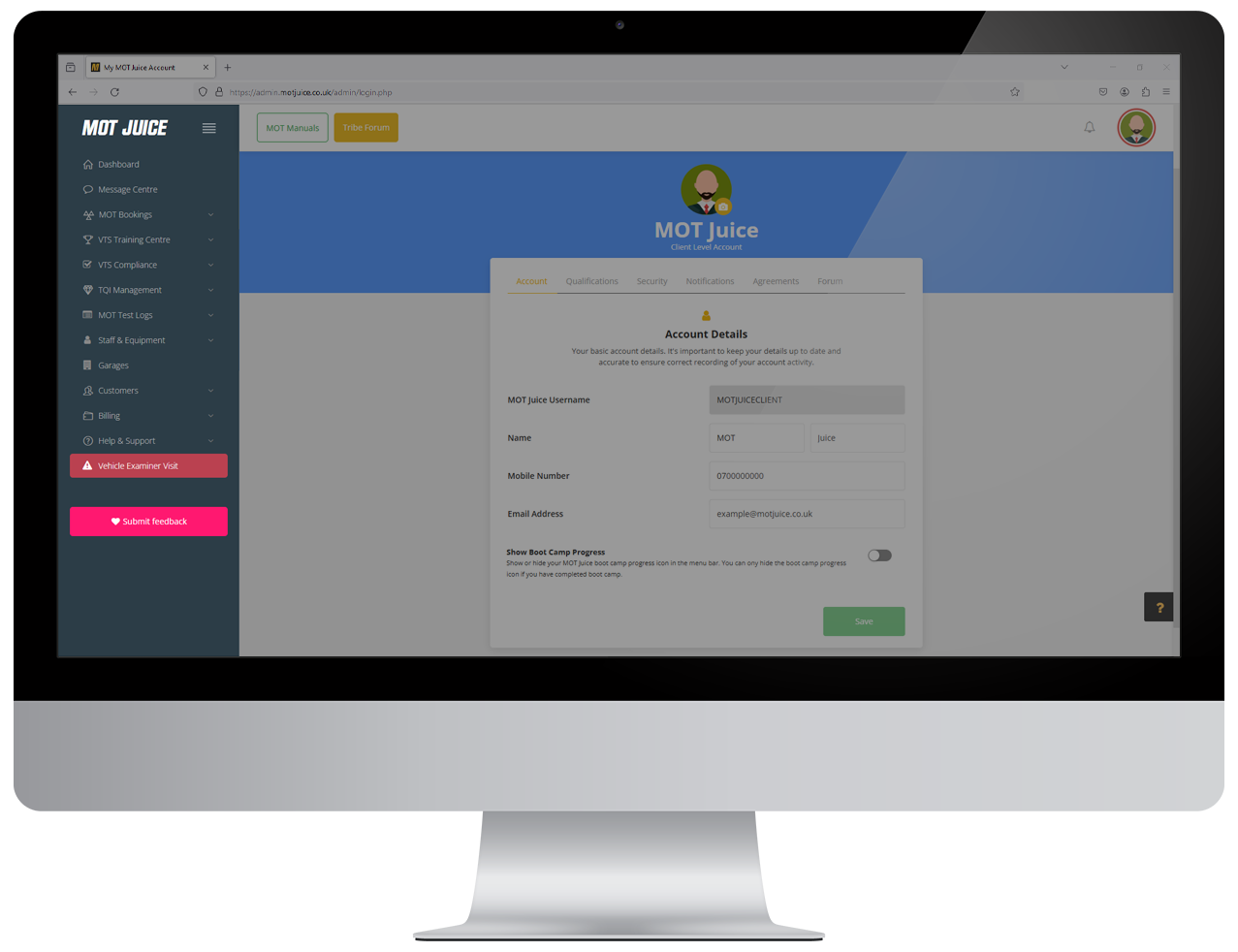
On the 'Account' tab, scroll down the page until you see the setting for 'Hide boot camp logo'. To hide the boot camp logo, click the toggle to the 'off' position, and click save.
Step 5: Refresh your page
Once the changes have saved, either refresh your page or navigate away and your boot camp logo will now be hidden.
That's all there is to it! To show the boot camp logo again, follow the steps above but turn the toggle to the 'on' position.