Introduction
When you use the MOT Juice Tribe Forum, your first and last name is visible by default. However, you can add a nickname/alias to use instead.
How to set a nickname/alias
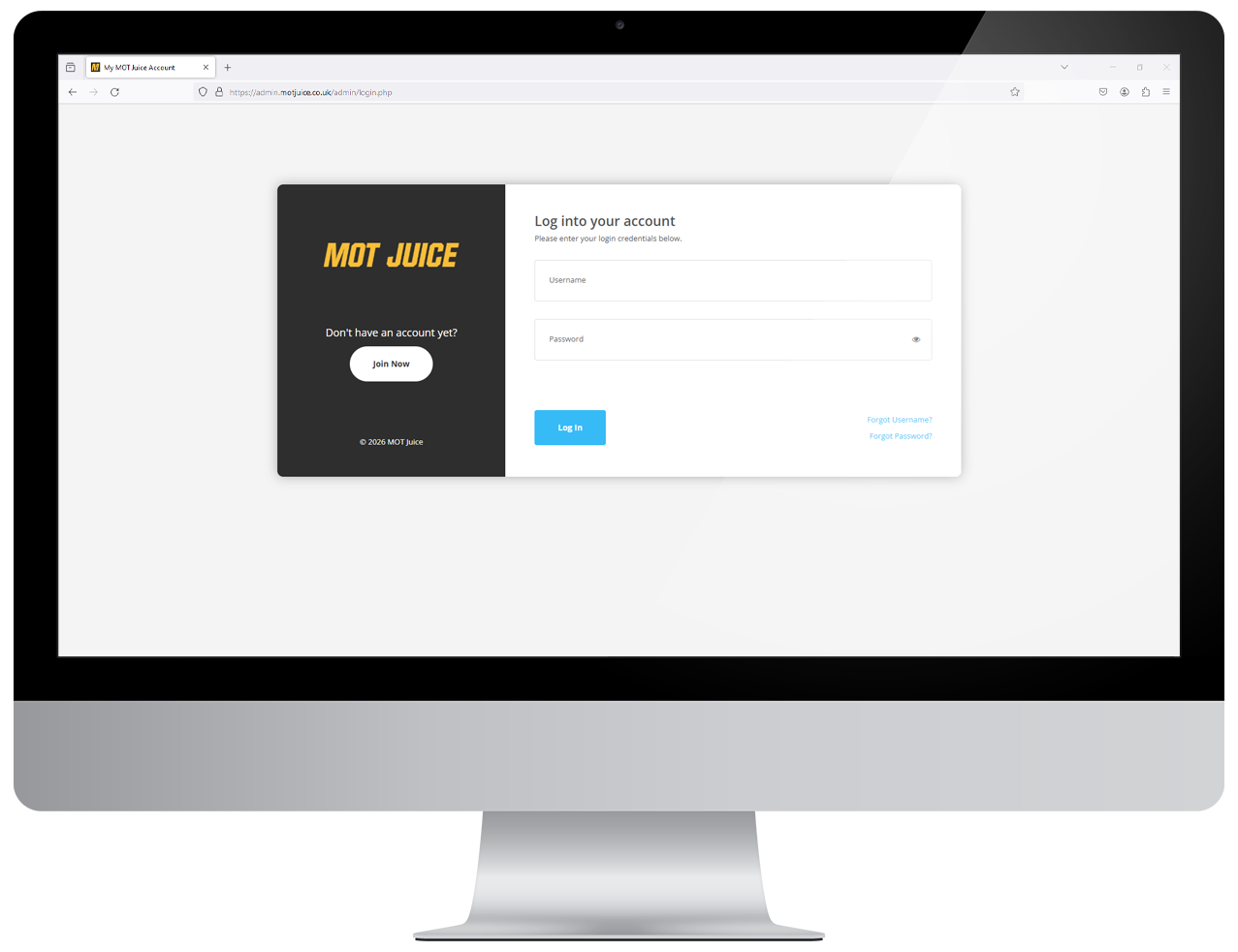
Step 1: Log into your MOT Juice accountNavigate to the MOT Juice login page here: https://admin.motjuice.co.uk/admin, and then enter your MOT Juice login details to access your account.
Step 2: Access your user menu
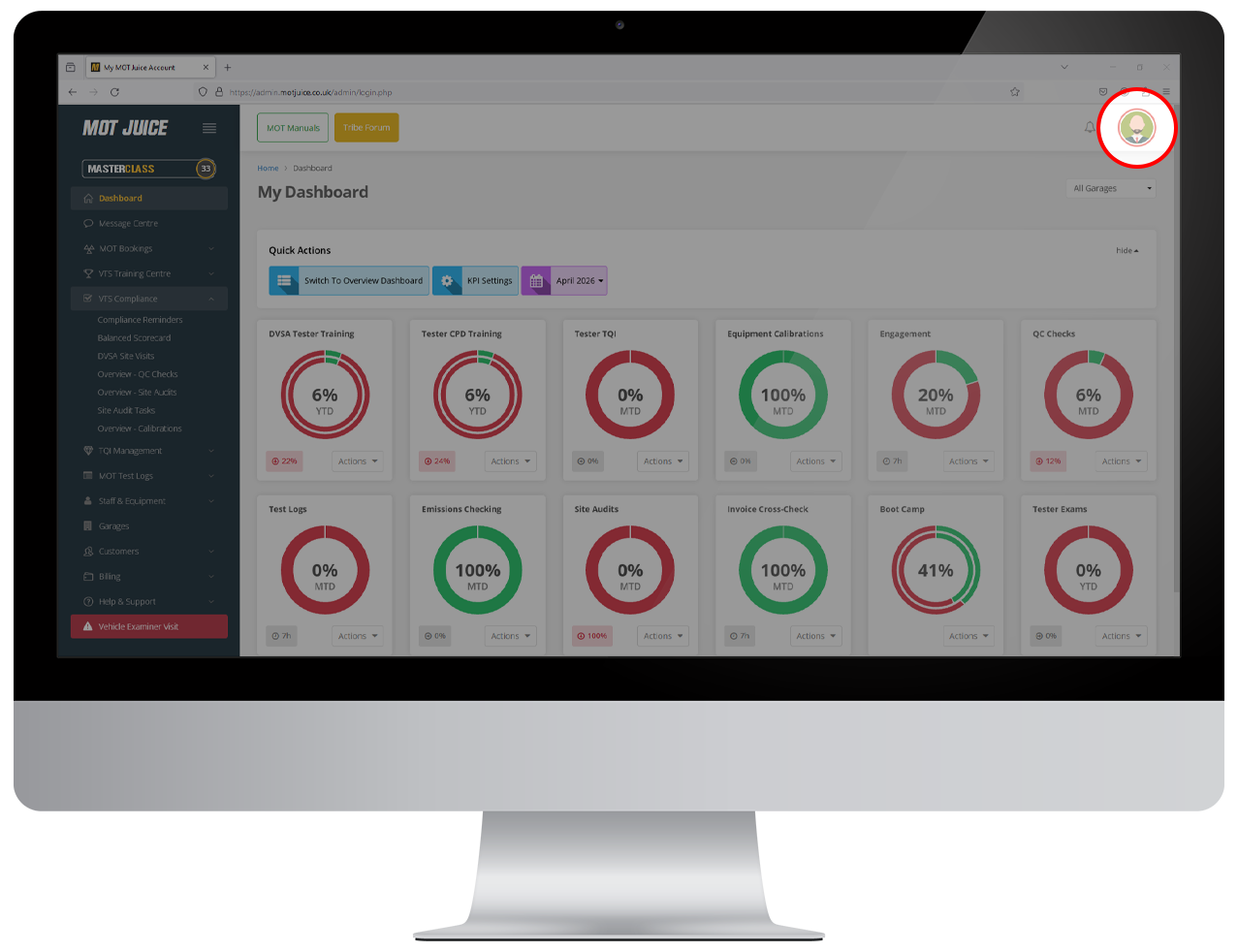
Hover over your user icon in the top right of the screen. This will show your user menu with a handful of options.
Step 3: Access your profile
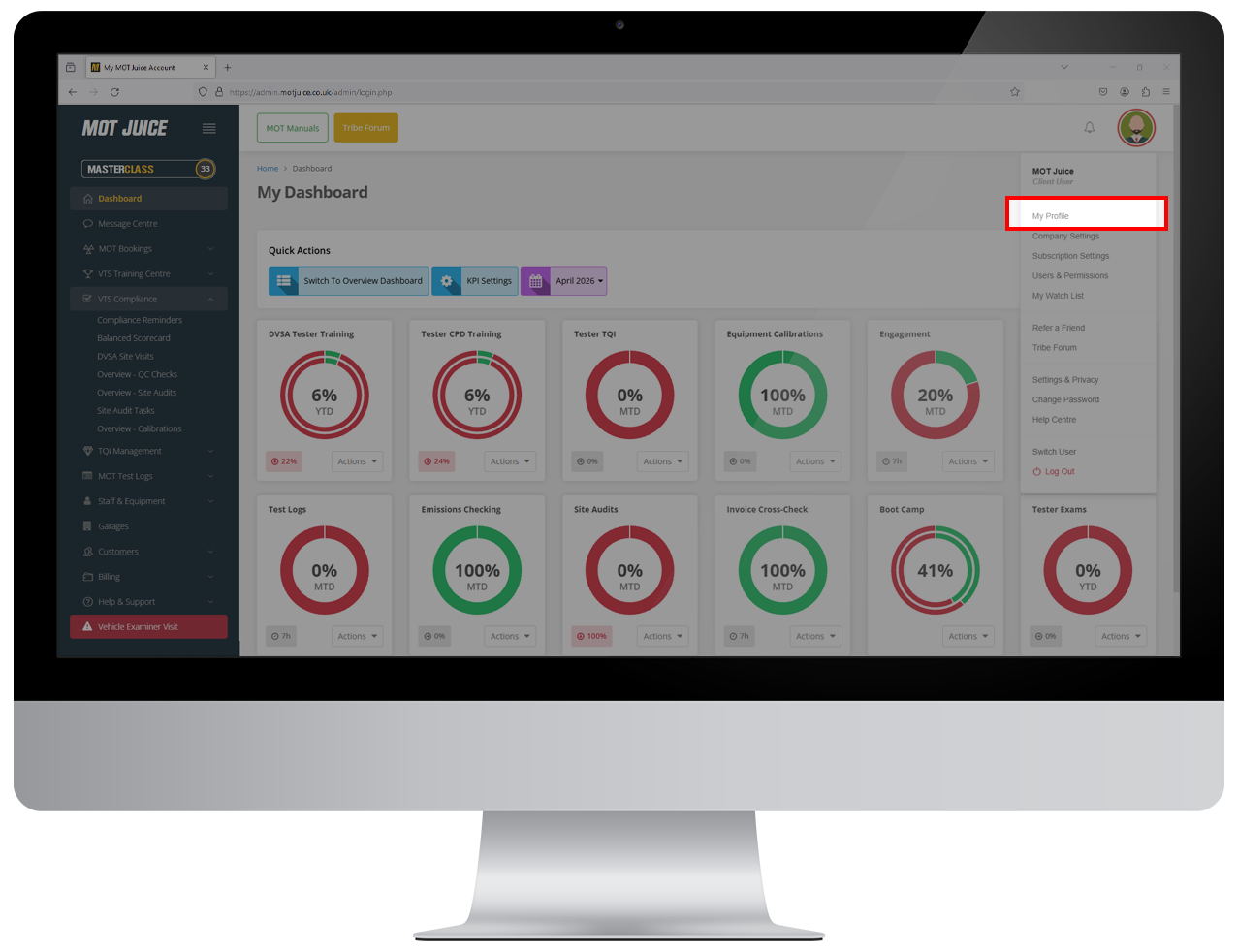
From the user menu, click on 'My Profile'.
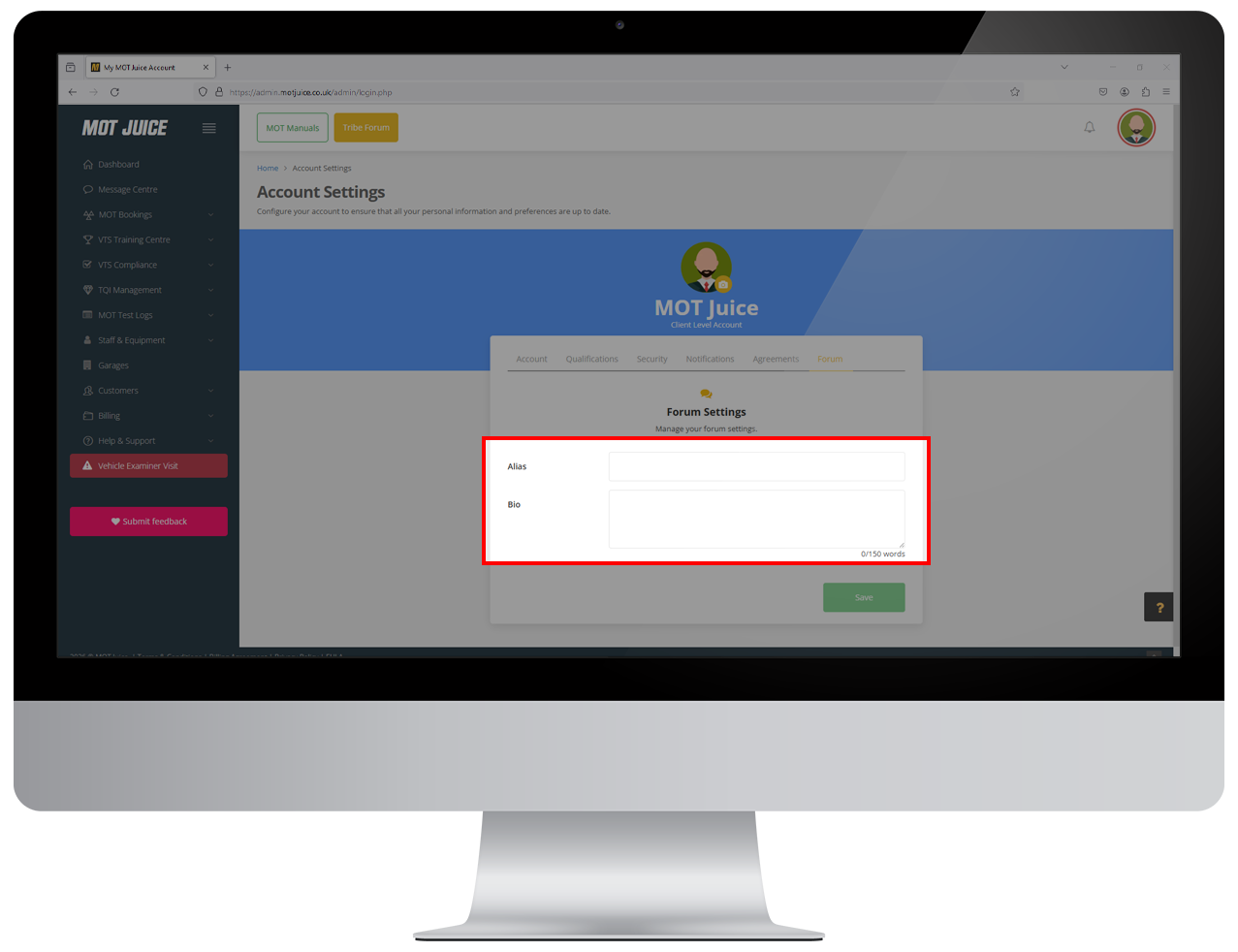
Step 4: Switch to Forum tab
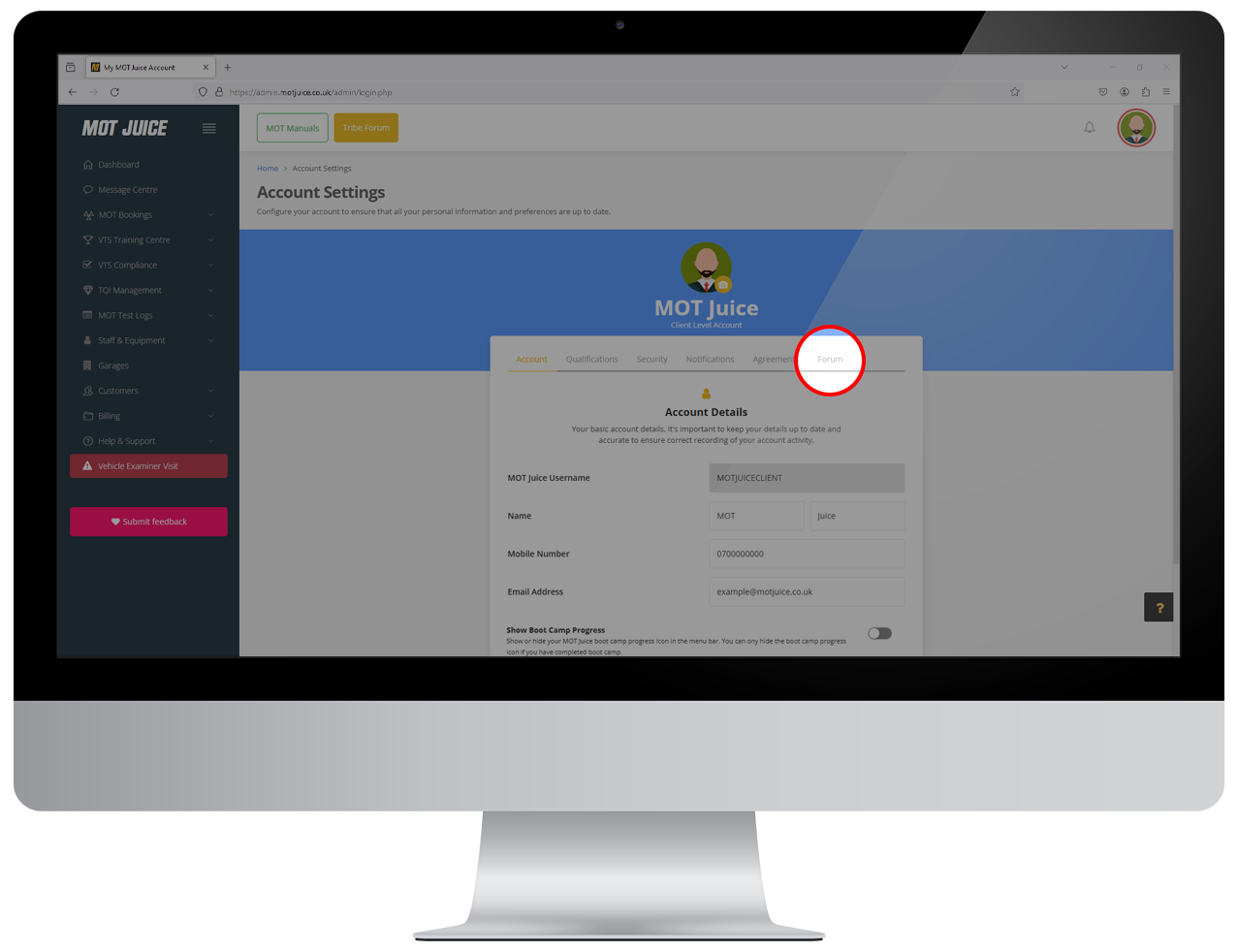
On the Profile page, find and click on the 'Forum' tab (the one at the end).
Step 5: Set an alias and save
On this page, you'll be able to set an alias to use in the forum, as well as include a small bio about yourself. Once you have made your changes, click 'save' and the nicjkname will now be in use across the forum.
Any previous forum posts will automatically switch to your nickname.
That's all there is to it! You can change your alias at any time, or remove it completely by deleting it and saving your changes. If you remove your alias, all your forum posts will revert back to using your name again.